
Complex work, one shared picture
Operations command center components
Operational software has to keep ownership, state, risk, timing, and recovery visible at once. These components form focused workspaces for coordinating work without flattening important exceptions or history.
Why this set works
A stronger implementation baseline.
Ownership and readiness remain attached to the work they affect
Failure and conflict states include recovery paths instead of dead ends
Dense operational views reflow without hiding consequential information
Working source
Preview, customize, and download.
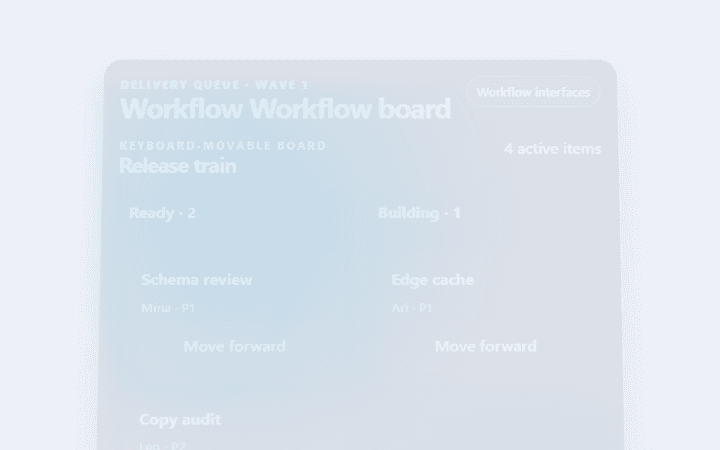
Workflow Workflow board
Workflow Workflow board is an accessible, animated workflow interfaces pattern with visible evidence and reversible actions.
Open component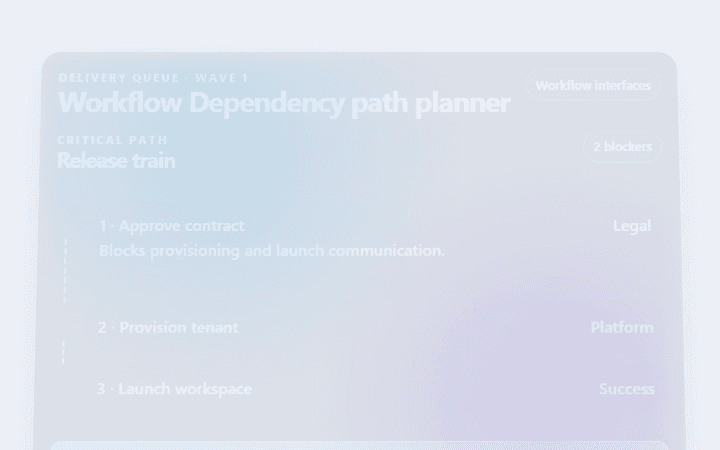
Workflow Dependency path planner
Workflow Dependency path planner is an accessible, animated workflow interfaces pattern with visible evidence and reversible actions.
Open component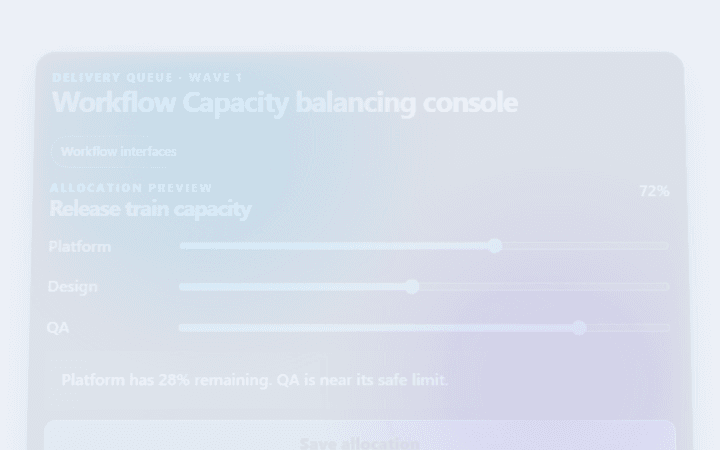
Workflow Capacity balancing console
Workflow Capacity balancing console is an accessible, animated workflow interfaces pattern with visible evidence and reversible actions.
Open component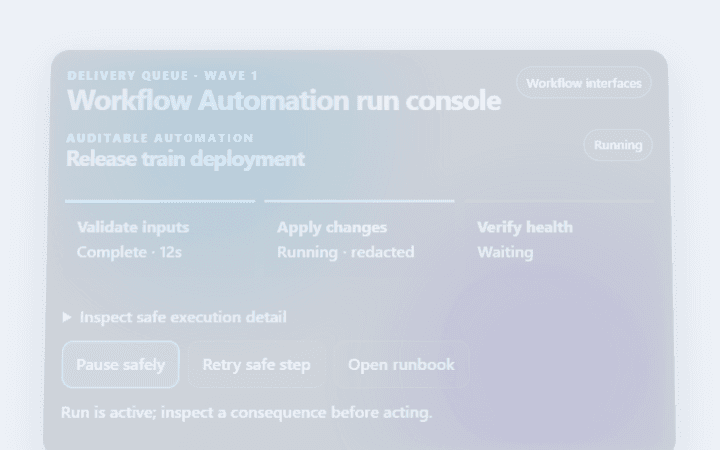
Workflow Automation run console
Workflow Automation run console is an accessible, animated workflow interfaces pattern with visible evidence and reversible actions.
Open component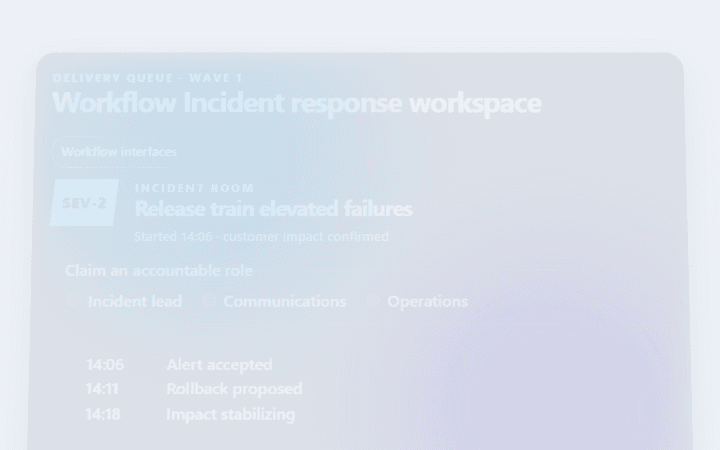
Workflow Incident response workspace
Workflow Incident response workspace is an accessible, animated workflow interfaces pattern with visible evidence and reversible actions.
Open component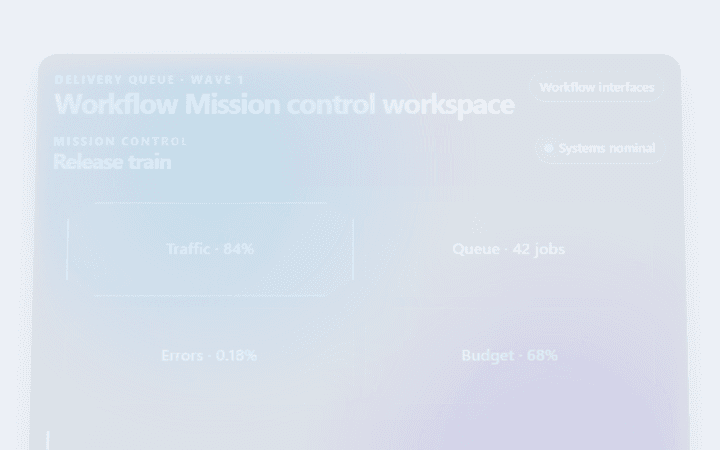
Workflow Mission control workspace
Workflow Mission control workspace is an accessible, animated workflow interfaces pattern with visible evidence and reversible actions.
Open componentBefore shipping
Implementation checklist.
Use these checks after adapting the components to your content and application state.
- 01
Show who owns each active item and when the state last changed.
- 02
Keep blocked, delayed, and failed work distinguishable without color alone.
- 03
Preserve the action history when work moves across teams or systems.
- 04
Design narrow-screen layouts around task priority rather than column order.
Implementation guidance