
Build a developer portfolio from reusable HTML sections
Compose a focused portfolio hero, case studies, skills, proof, availability, and contact path without turning the site into a generic component showcase.
A portfolio should help a specific audience understand your work, judgment, and availability. Reusable sections are valuable only when they support that narrative instead of making the page feel assembled from unrelated demos.
Define the portfolio decision before choosing sections
Decide who the site serves and what that visitor should learn. A hiring manager may need role, depth, collaboration, and outcomes, while a client may need specialization, availability, process, and a contact path. Write those questions in order, then choose components that answer them without repeating the same introduction.
A focused structure often includes a hero, selected work, capability or service summary, proof, and contact. Personal writing and open-source work can deepen the picture when they support the target role. Remove generic skill meters and decorative statistics that cannot be interpreted or verified.
Use the hero to establish role and availability
Lead with what you do, the problems you handle, and the type of work you want. An availability indicator can help when it is current, while a selected-work action is often more useful than a generic Learn more link. Keep the primary text in HTML so it loads quickly and remains selectable and accessible.
Portraits, code visuals, and animated backgrounds are optional. If an image adds useful identity, give it appropriate dimensions and alternative text. Do not let media delay the heading or contact path. A portfolio viewed on a slow mobile connection should communicate the same professional fit as the complete desktop presentation.
- Role and specialization in a specific page-level heading.
- Availability or current focus when it helps the target audience.
- Selected work with outcomes, constraints, and your contribution.
- Proof through writing, recommendations, or open-source work.
- A direct contact path with clear expectations for the next step.
Turn projects into compact case studies
A project card should identify the problem, your responsibility, the important decision, and the result. Technology lists are supporting information, not the story. Link to a dedicated case study when the work needs more context, and keep confidential outcomes honest by describing the type of improvement without inventing precise numbers.
Use consistent fields across projects so visitors can compare them, but let the case-study layout adapt to the evidence available. Screenshots need captions and meaningful alternative text. Live links should indicate when they open an external product, while source links should not replace an explanation of what the work demonstrates.
Compose a coherent system and test the handoff
Share a small token layer for color, type, spacing, and surface treatment while preserving the boundary of each section. One restrained system makes varied work easier to scan. Responsive transitions between sections need the same attention as the components themselves, especially where background changes or sticky navigation meet content anchors.
Test every project and contact link, heading navigation, keyboard focus, mobile zoom, and social preview before publishing. Keep the sitemap and metadata updated as case studies change. The linked hero and content components provide a practical starting point, while the complete portfolio template demonstrates how those pieces can support one narrative.
Implementation guides
Turn the strategy into reliable frontend code.
These field guides cover the concrete HTML, CSS, JavaScript, accessibility, and integration work behind the decisions in this article.
Working component examples
Inspect the pattern in standalone source.
Open each component to preview its states, customize documented tokens, and download the portable HTML, CSS, and JavaScript package.
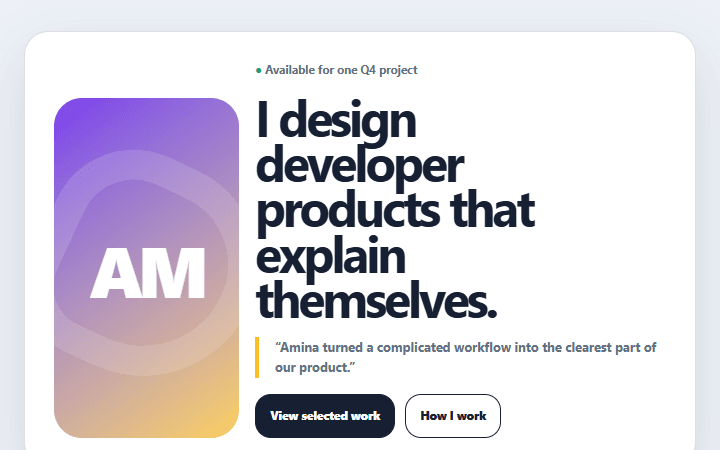
Portfolio availability hero
A personal portfolio header that combines a clear specialty, selected proof, and honest availability.
Open component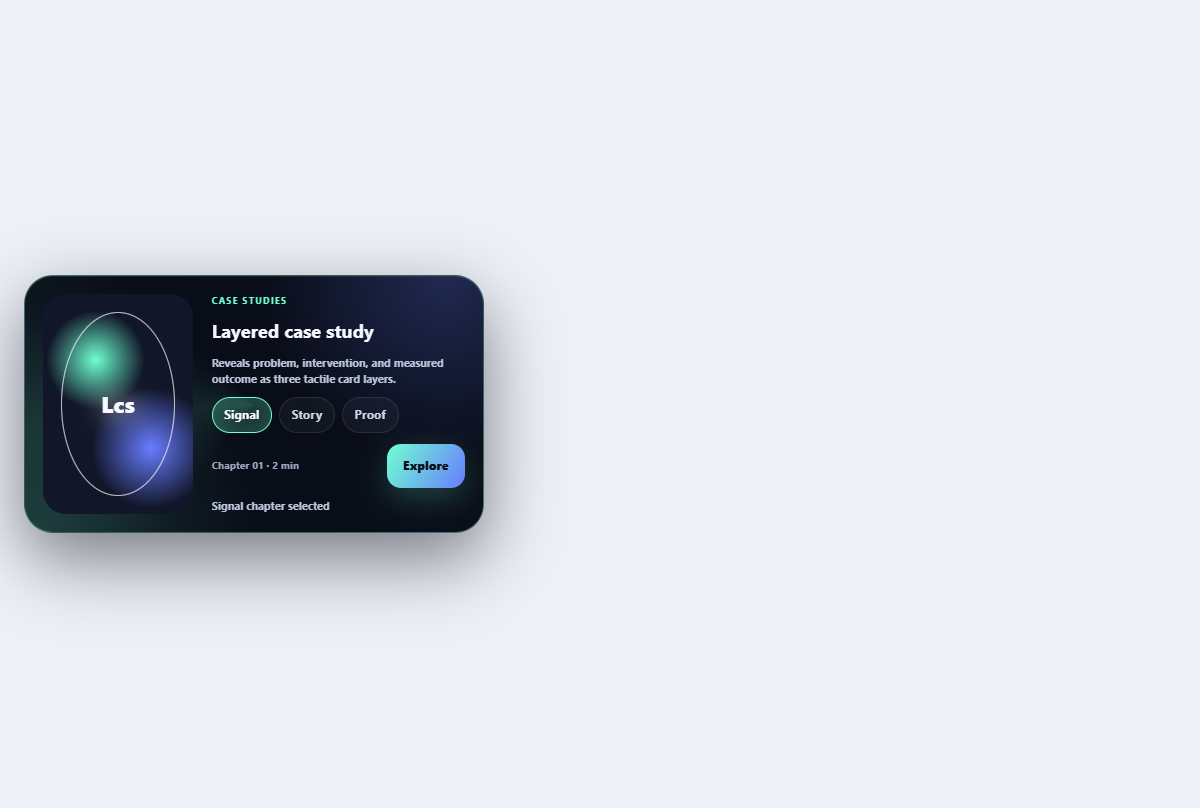
Layered case study card
Reveals problem, intervention, and measured outcome as three tactile card layers.
Open component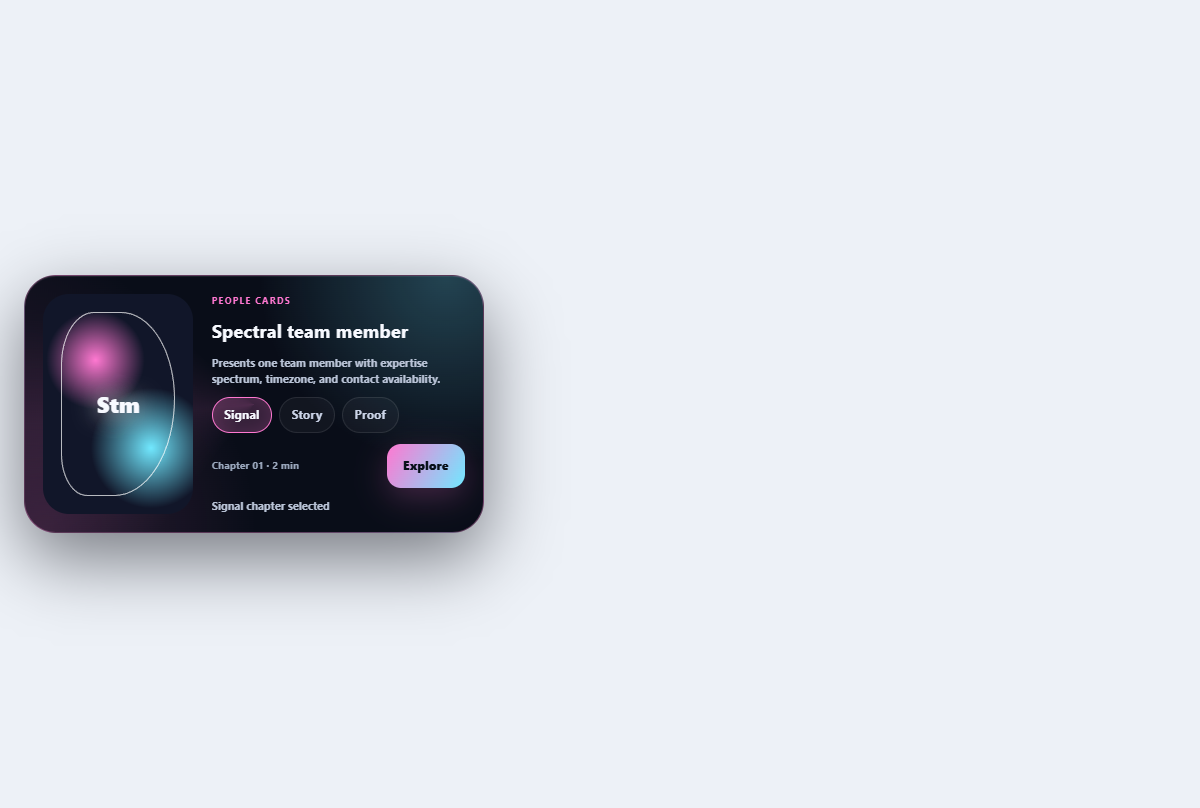
Spectral team member card
Presents one team member with expertise spectrum, timezone, and contact availability.
Open component