
Product decisions without friction
Ecommerce components
Good commerce interfaces keep price, availability, selection, delivery, and recovery visible at the moment each decision is made. These components can be used independently or composed into a complete product and checkout flow.
Why this set works
A stronger implementation baseline.
Price and availability remain close to the active product choice
Selection state is available to keyboard and assistive-technology users
Standalone code can be connected to any cart or commerce backend
Working source
Preview, customize, and download.
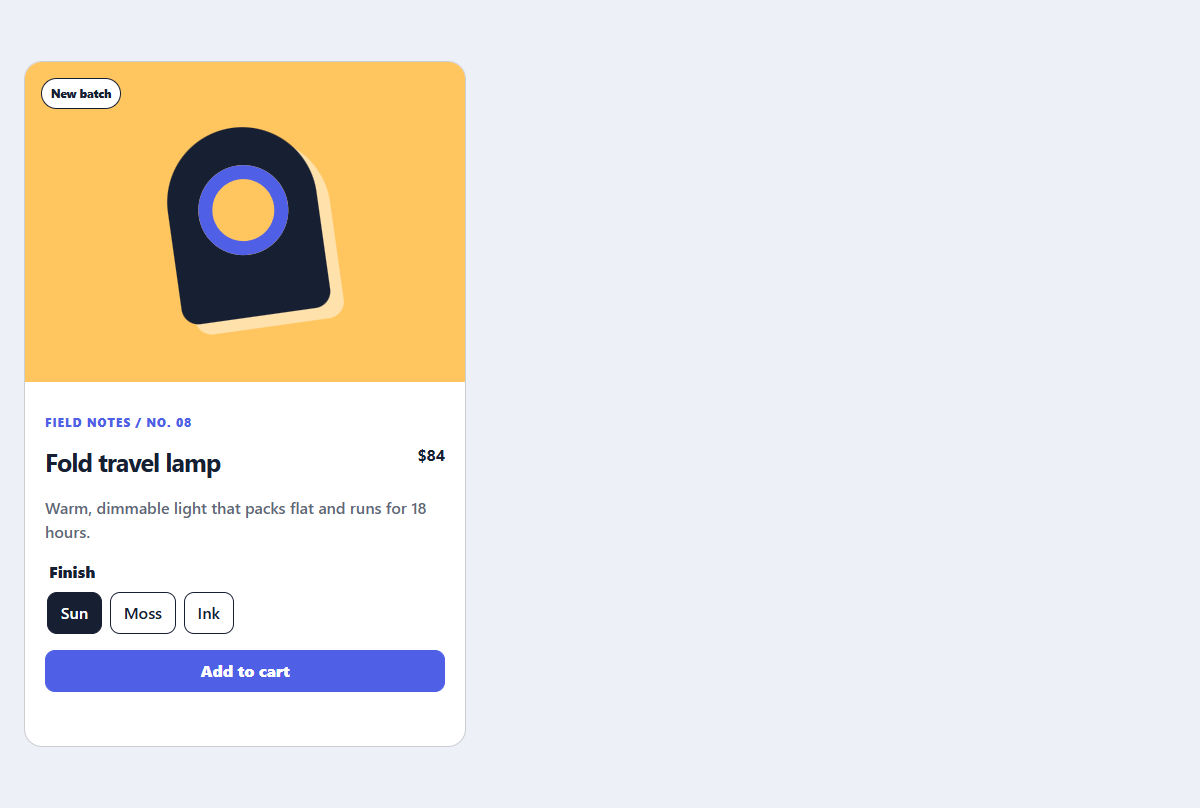
Editorial product card
A product card with a CSS-only visual, useful variant controls, and direct purchase action.
Open component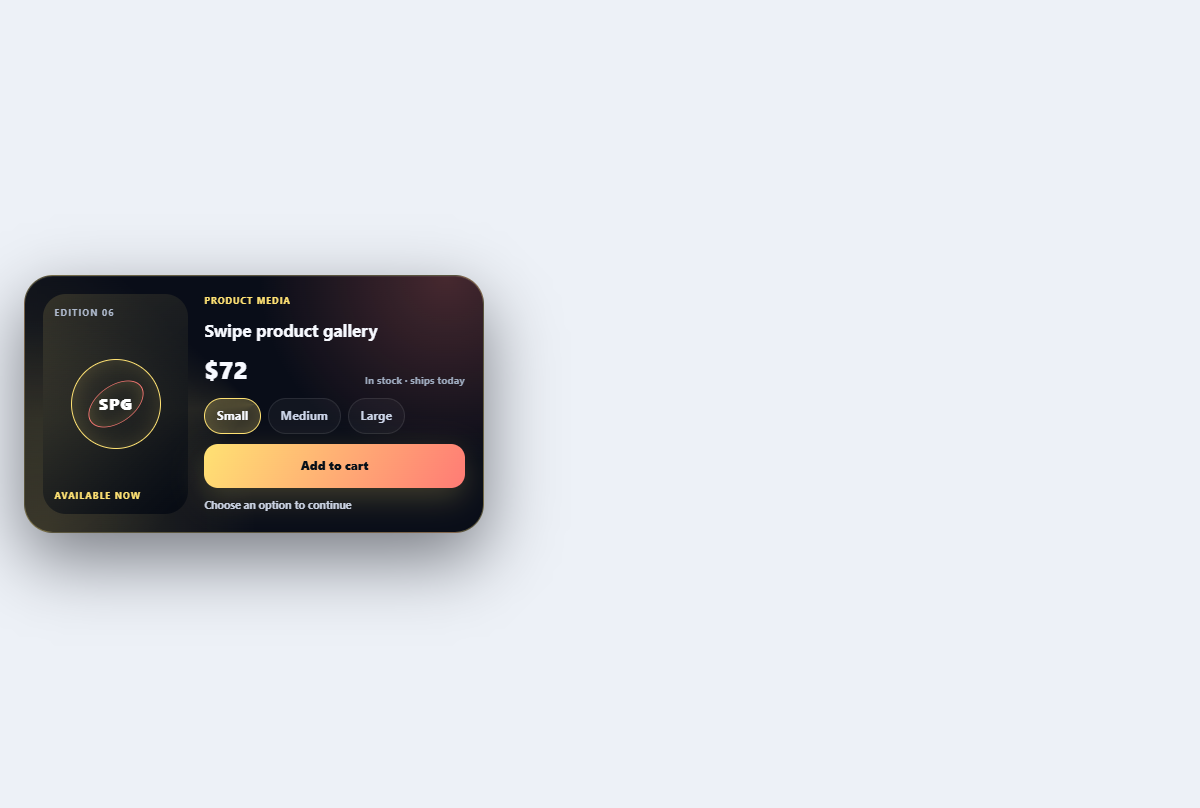
Swipe product gallery
Browses product views with swipe, arrow, and thumbnail controls plus a depth transition.
Open component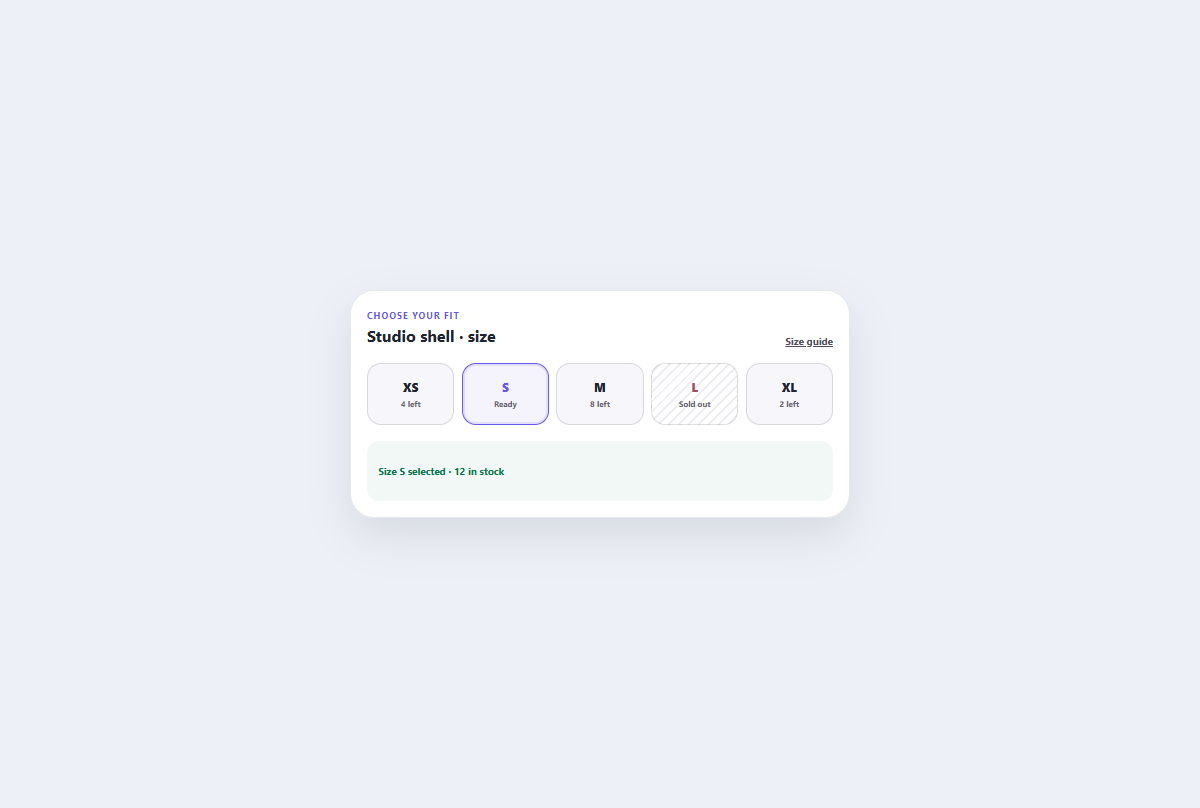
Size and stock selector
An inventory-aware size radiogroup with explicit availability, arrow-key selection, and inline restock subscription.
Open component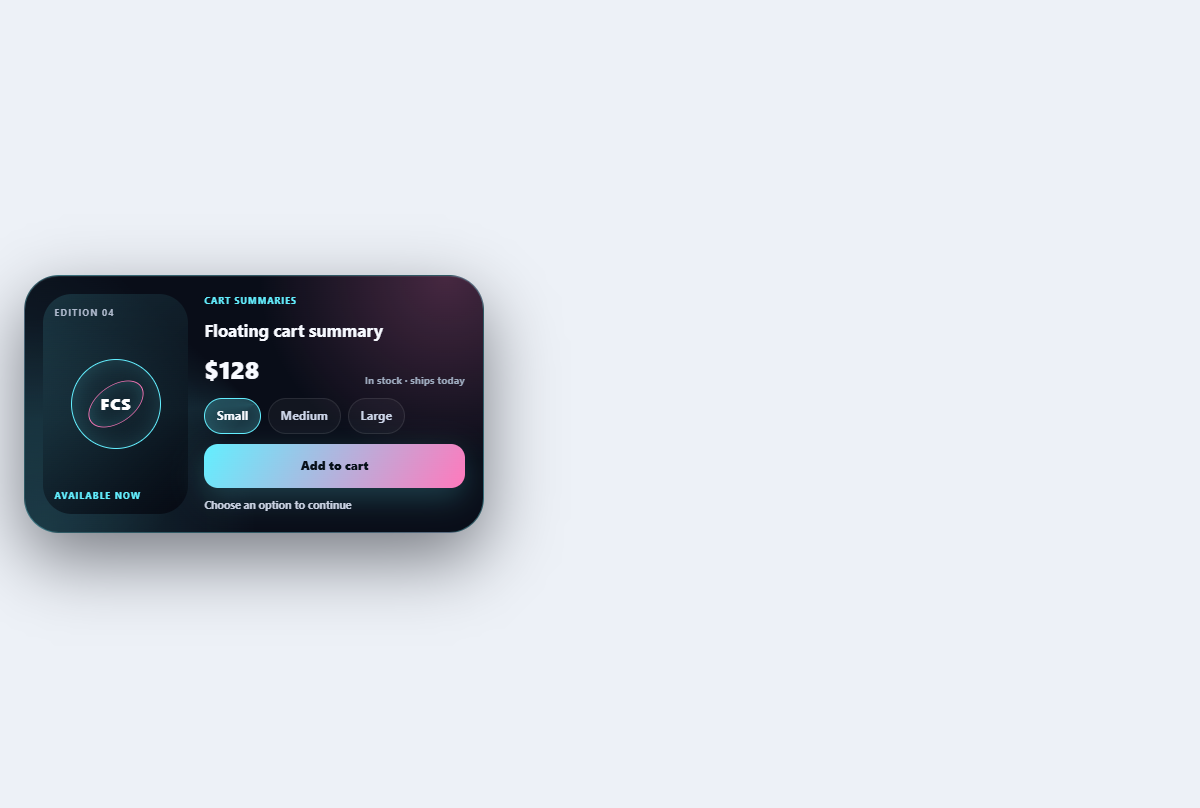
Floating cart summary
Keeps item count and total compact while expanding into an editable mini-cart summary.
Open component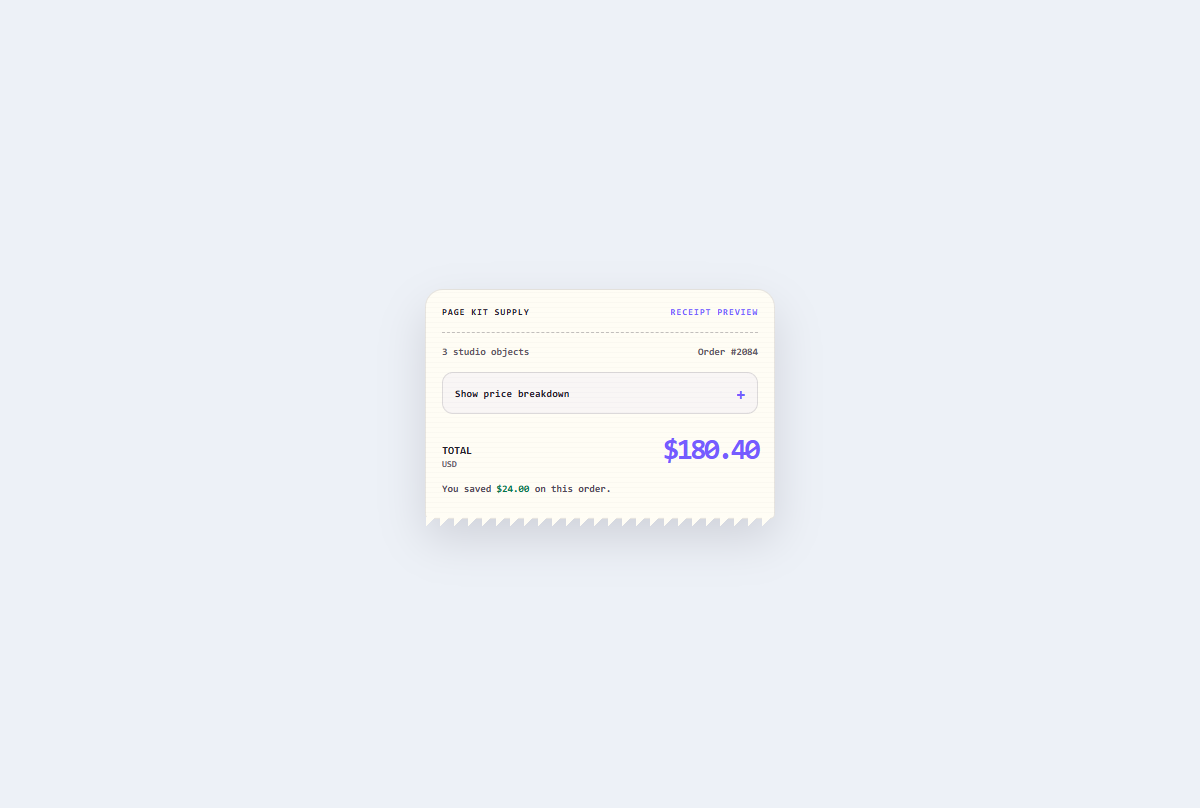
Receipt price breakdown
An expandable thermal-style checkout receipt that reconciles discounts, delivery, tax, and the final total.
Open component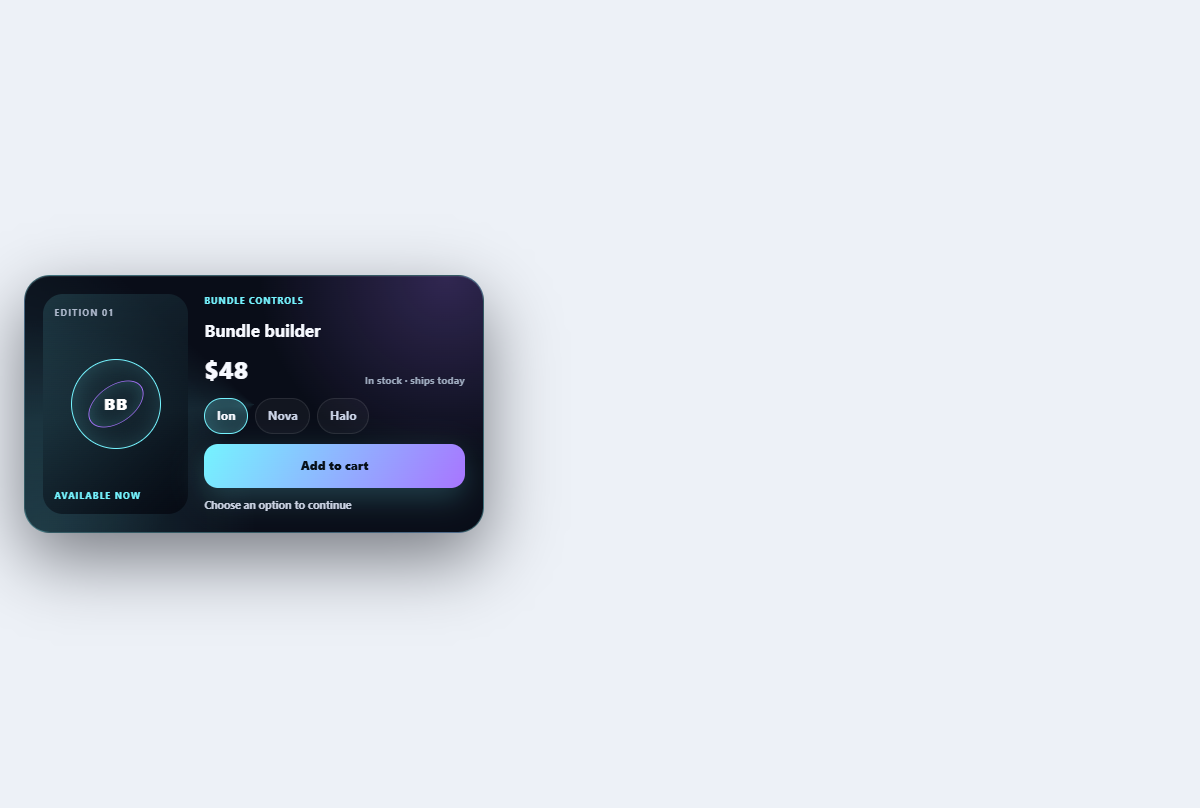
Bundle builder card
Builds a three-item bundle with live completion, savings, and compatibility feedback.
Open componentBefore shipping
Implementation checklist.
Use these checks after adapting the components to your content and application state.
- 01
Announce changes to price, stock, or delivery when a variant changes.
- 02
Keep the primary purchase action visible without covering page content.
- 03
Show complete costs before asking the customer to commit.
- 04
Test slow responses, unavailable variants, empty carts, and payment errors.
Implementation guidance