
Activation without avoidable friction
Onboarding and signup components
Signup is only successful when a new user can reach a useful product state. These components divide complex setup into named steps, retain entered information, explain file and role requirements early, and keep progress available without forcing everyone through the same sequence.
Why this set works
A stronger implementation baseline.
Every step has a visible purpose and useful completion state
Errors remain connected to the field that needs attention
Goal-based routes shorten the path to first value
Working source
Preview, customize, and download.
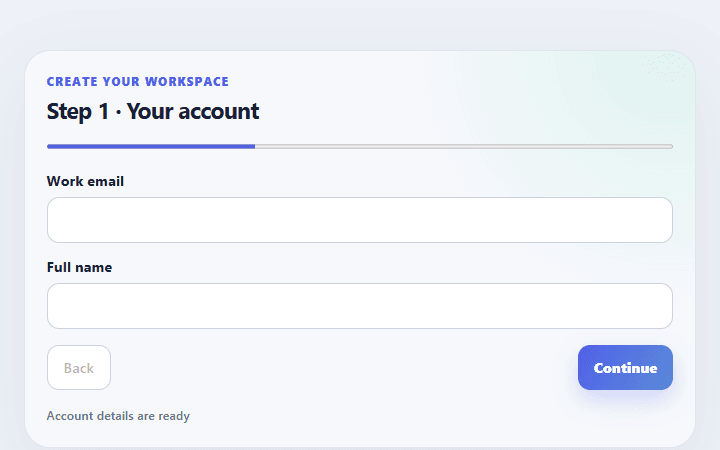
Multi-step signup form
Splits account, workspace, and confirmation fields into a concise signup flow with visible progress.
Open component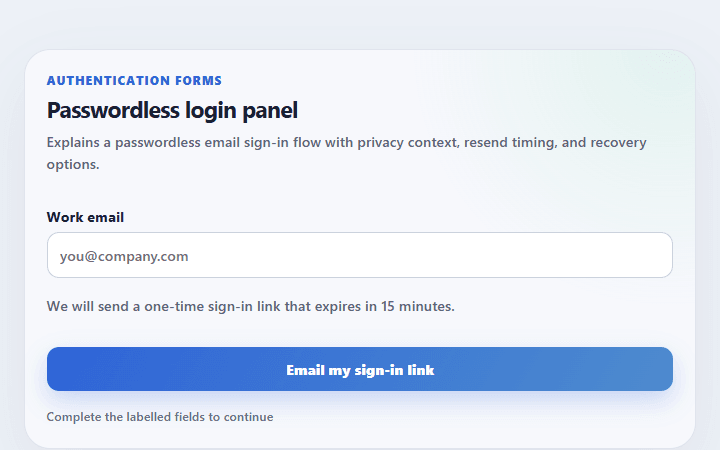
Passwordless login panel
Explains a passwordless email sign-in flow with privacy context, resend timing, and recovery options.
Open component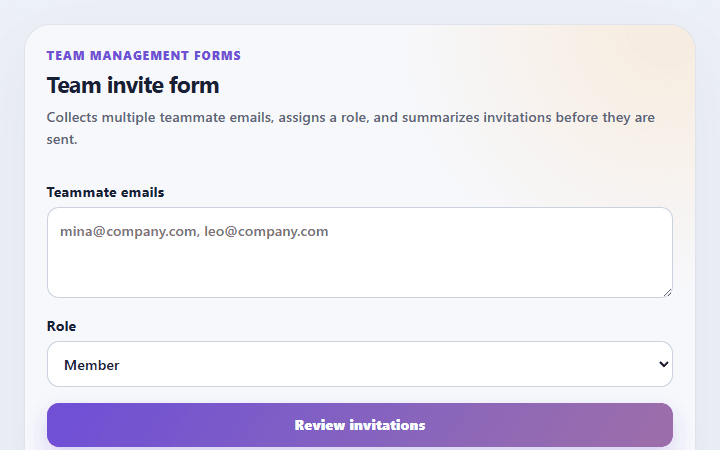
Team invite form
Collects multiple teammate emails, assigns a role, and summarizes invitations before they are sent.
Open component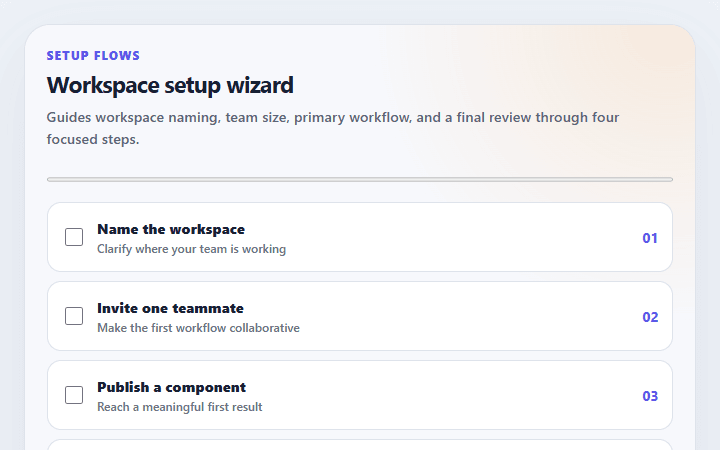
Workspace setup wizard
Guides workspace naming, team size, primary workflow, and a final review through four focused steps.
Open component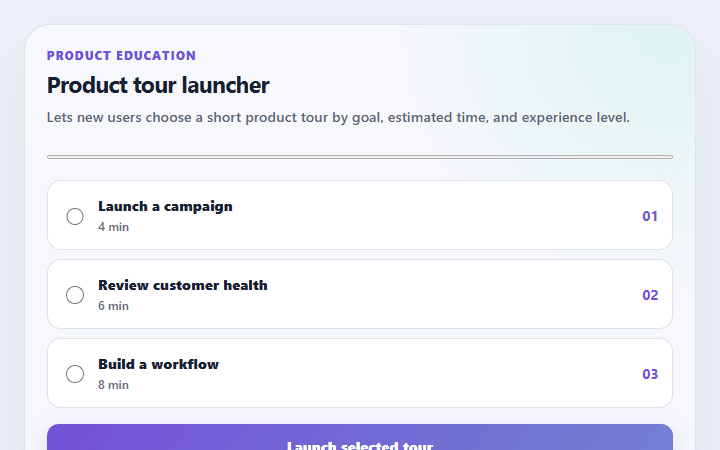
Product tour launcher
Lets new users choose a short product tour by goal, estimated time, and experience level.
Open component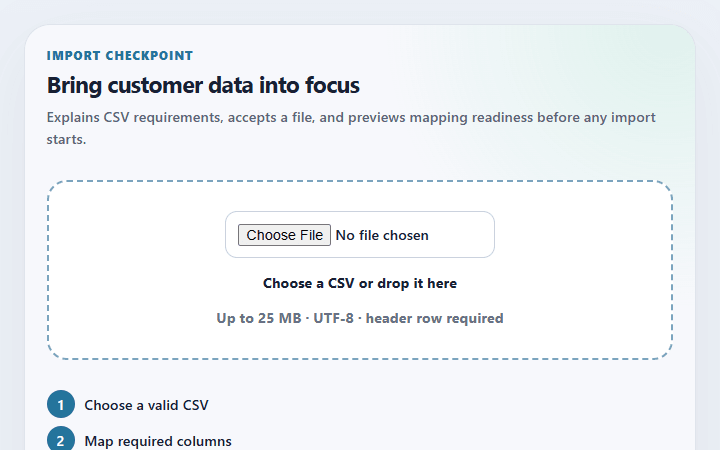
Import data dropzone
Explains CSV requirements, accepts a file, and previews mapping readiness before any import starts.
Open componentBefore shipping
Implementation checklist.
Use these checks after adapting the components to your content and application state.
- 01
Ask only for information required by the current setup decision.
- 02
Preserve values when people move backward through a multi-step flow.
- 03
Return focus to the active step heading after navigation.
- 04
Provide a useful next action after completion instead of a dead-end success state.
Implementation guidance