
HTML form validation with progressive enhancement
Combine native constraints, clear inline feedback, server validation, preserved values, and accessible submission summaries.
What you will build correctly
- Express basic requirements in HTML before adding custom validation behavior.
- Use JavaScript to improve timing and messaging, not to become the only validation layer.
- Revalidate on the server and return field-level errors without discarding input.
Put the data contract into the markup
Input types, required, minlength, maxlength, min, max, step, and pattern can communicate many constraints to the browser, mobile keyboard, password manager, and assistive technology. Labels and autocomplete values describe what the field means, while help text explains requirements before users make an error.
Avoid placeholder-only labels and patterns that duplicate a more appropriate input type. The markup should remain understandable and submittable if enhancement scripts fail or arrive late.
                      <label for="email">Work email</label>
<input id="email" name="email" type="email" autocomplete="email" required aria-describedby="email-help">
<p id="email-help">Use the address where your team can reach you.</p>
Control when custom feedback appears
Browser validation bubbles are useful but difficult to style and can vary by platform. The Constraint Validation API can expose validity states while you render consistent messages. Wait until blur or submission for incomplete values so users are not told they are wrong after the first character.
As soon as a corrected value becomes valid, remove aria-invalid and stale error text. Preserve persistent instructions separately so help does not disappear with the error.
Treat server validation as authoritative
Client checks improve response time but can be bypassed and cannot confirm every business rule. Validate the complete request on the server, normalize values, protect against abuse, and return a structured map of field and form-level errors.
Render those errors beside the same fields, place an error summary before the form, and preserve non-sensitive values. Never reveal account existence or internal rules through overly specific authentication errors.
- Client and server use compatible field names.
- Failed submissions retain valid user input.
- Focus moves to a concise error summary when needed.
Test autofill, paste, correction, and resubmission
Real users paste addresses, rely on password managers, use speech input, and return through browser history. Validation that only listens for key presses can miss those paths. Use input and change events appropriately and test browser autofill styling.
A complete test begins with an error, corrects it, submits successfully, and verifies the resulting focus and announcement. Repeat with network failure so a pending submit button never leaves the form permanently locked.
Use the pattern
Study it in working components.
These internal examples connect the guide to standalone HTML, CSS, and JavaScript you can preview, customize, and download.
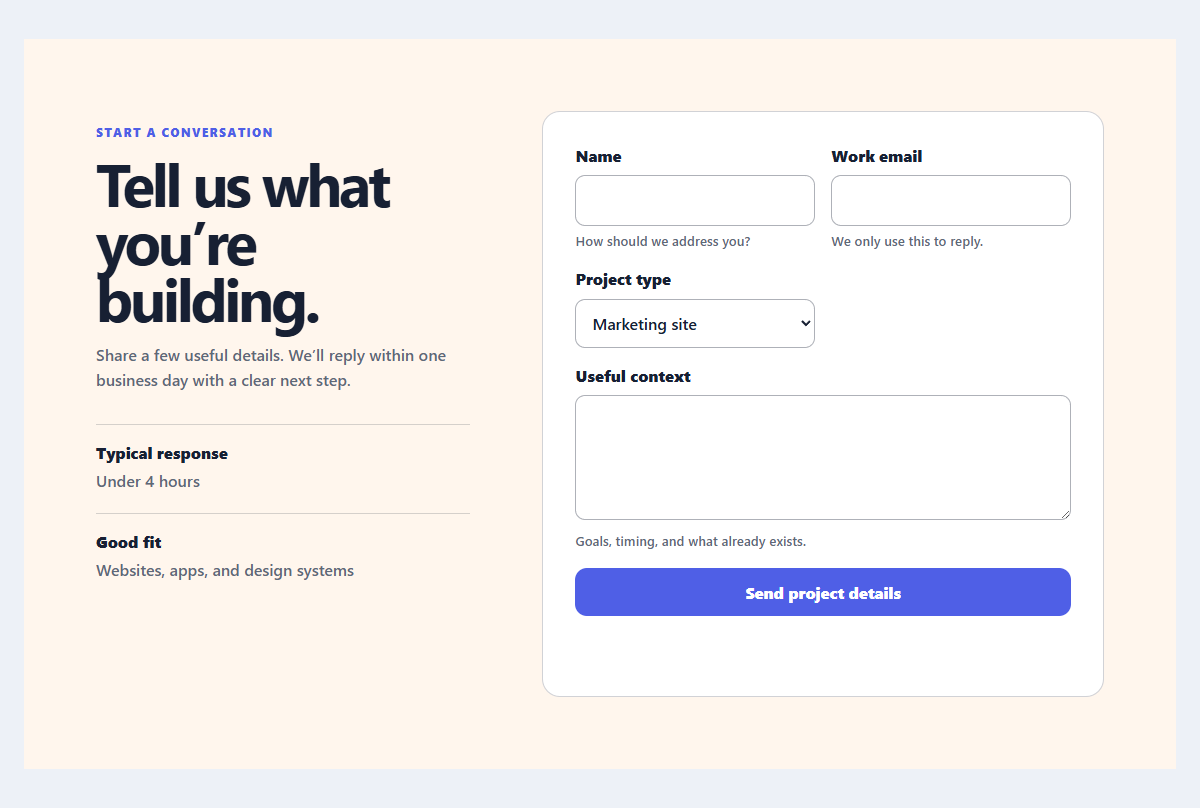
Accessible contact form
A practical contact form with explicit labels, helpful hints, and client-side validation feedback.
Open component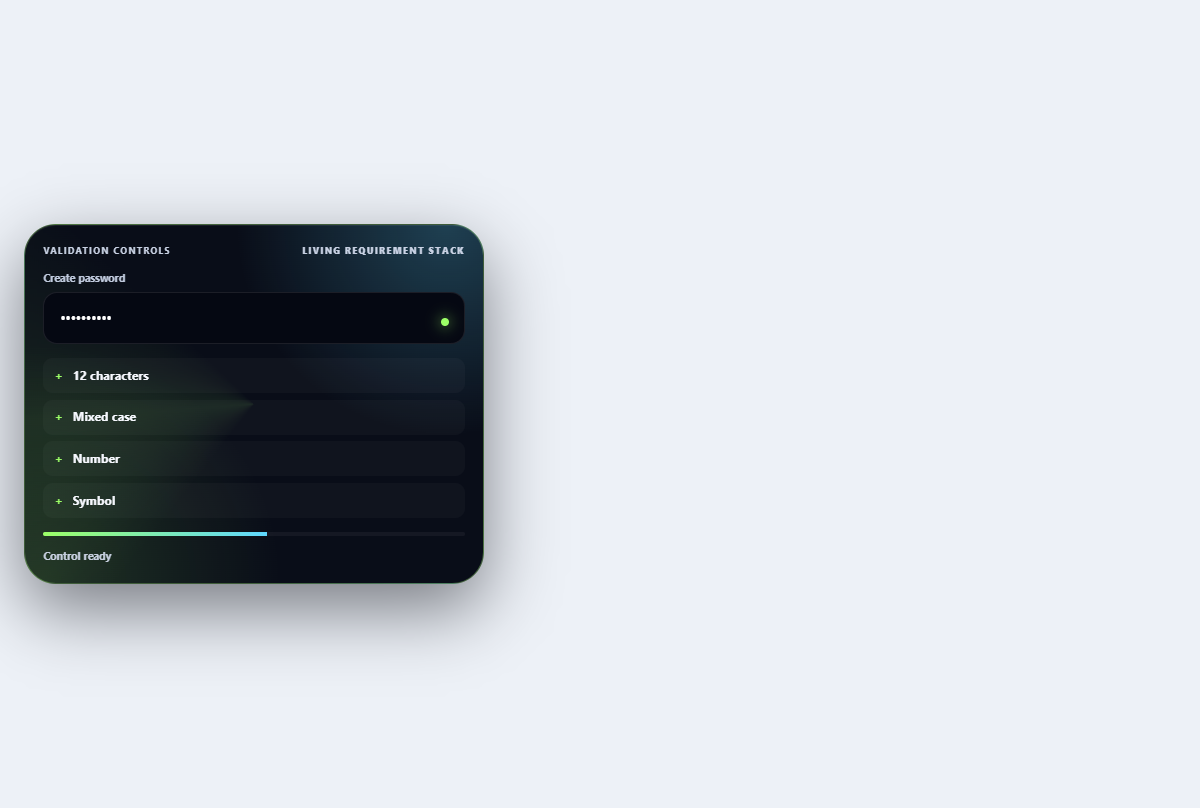
Inline validation stack
Turns password requirements into an ordered live checklist with strength and reveal controls.
Open component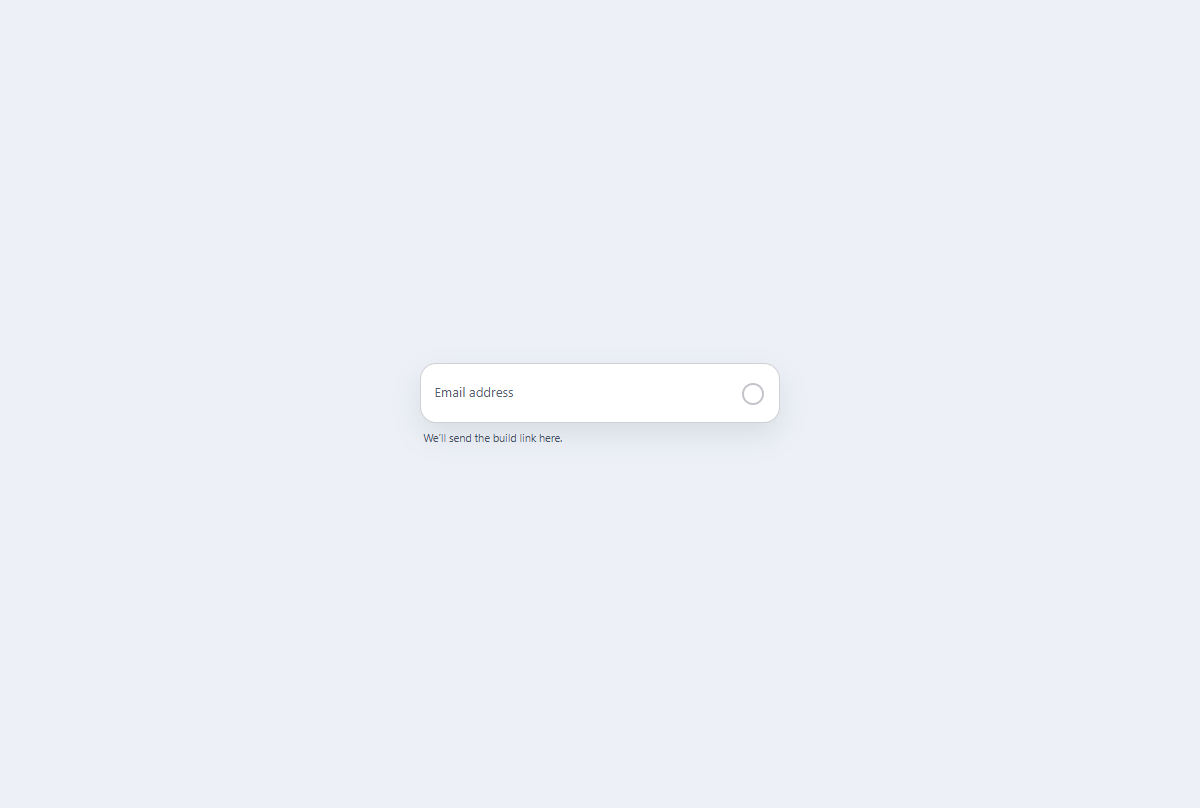
Floating label email field
A CSS-first email field with a persistent floating label, native validation, and visible status icon.
Open component