
Ecommerce UI components that reduce purchase friction
Connect product media, variant choices, quantity, cart summaries, delivery details, and checkout feedback into a purchase flow customers can verify.
Purchase friction is often uncertainty rather than effort. Useful ecommerce components keep product, price, availability, delivery, and cart state visible as customers move toward checkout.
Keep product identity and choices in one understandable region
Product media, title, price, variant controls, stock, quantity, and the purchase action should describe the same current selection. When a color or size changes the image, availability, or price, update those values together and announce the meaningful result. Do not rely on a selected border color as the only indication of state.
Use real buttons, radios, or selects according to the choice behavior. Disabled variants should explain why they cannot be selected, while unavailable combinations may need a notification option. Keep the product URL shareable when a variant materially changes what the customer is evaluating.
Make the add-to-cart result visible and reversible
After activation, confirm which product and quantity were added, update the cart count, and expose a path to review or undo the action. A floating cart summary can preserve context, but it must not cover product controls or trap focus. Avoid sending every add directly to checkout unless the action label clearly promises that behavior.
Prevent accidental duplicate submissions while a request is pending, then restore the control if it fails. The error should remain near the action and retain the selected variant. Optimistic updates can feel fast, but they need a reliable rollback when inventory or pricing validation rejects the request.
- Product media with descriptive alternative text and stable dimensions.
- Variant and quantity controls with a visible selected state.
- Add-to-cart confirmation that identifies the added item.
- Cart summary with subtotal, quantity, and a clear review path.
- Delivery and total-cost information before the final order action.
Expose delivery and total cost before commitment
Customers need to understand shipping range, delivery window, taxes, discounts, and the final recurring or one-time charge before placing an order. A receipt-style breakdown makes those relationships easier to verify. Promotional messages should agree with the cart calculation and state exclusions without requiring a hunt through unrelated policy pages.
Ask only for information needed at the current checkout step and preserve completed values after validation errors. Use appropriate autocomplete tokens so browsers can help with names, addresses, and payment details. Inline errors should identify the field, explain the correction, and remain connected to a useful page-level error summary.
Test the complete purchase path under interruption
Exercise out-of-stock variants, changed prices, invalid coupons, failed cart requests, slow delivery estimates, form errors, and returning navigation. Verify that focus and status messages follow each change and that customers never lose a valid selection because one asynchronous step failed.
Measure mobile layout carefully because fixed summaries, keyboards, and browser chrome compete for limited space. Test zoom and long product names, then confirm that every primary image and control remains associated with the correct product. The linked components can be composed into a transparent flow without turning the page into one stateful widget.
Implementation guides
Turn the strategy into reliable frontend code.
These field guides cover the concrete HTML, CSS, JavaScript, accessibility, and integration work behind the decisions in this article.
Working component examples
Inspect the pattern in standalone source.
Open each component to preview its states, customize documented tokens, and download the portable HTML, CSS, and JavaScript package.
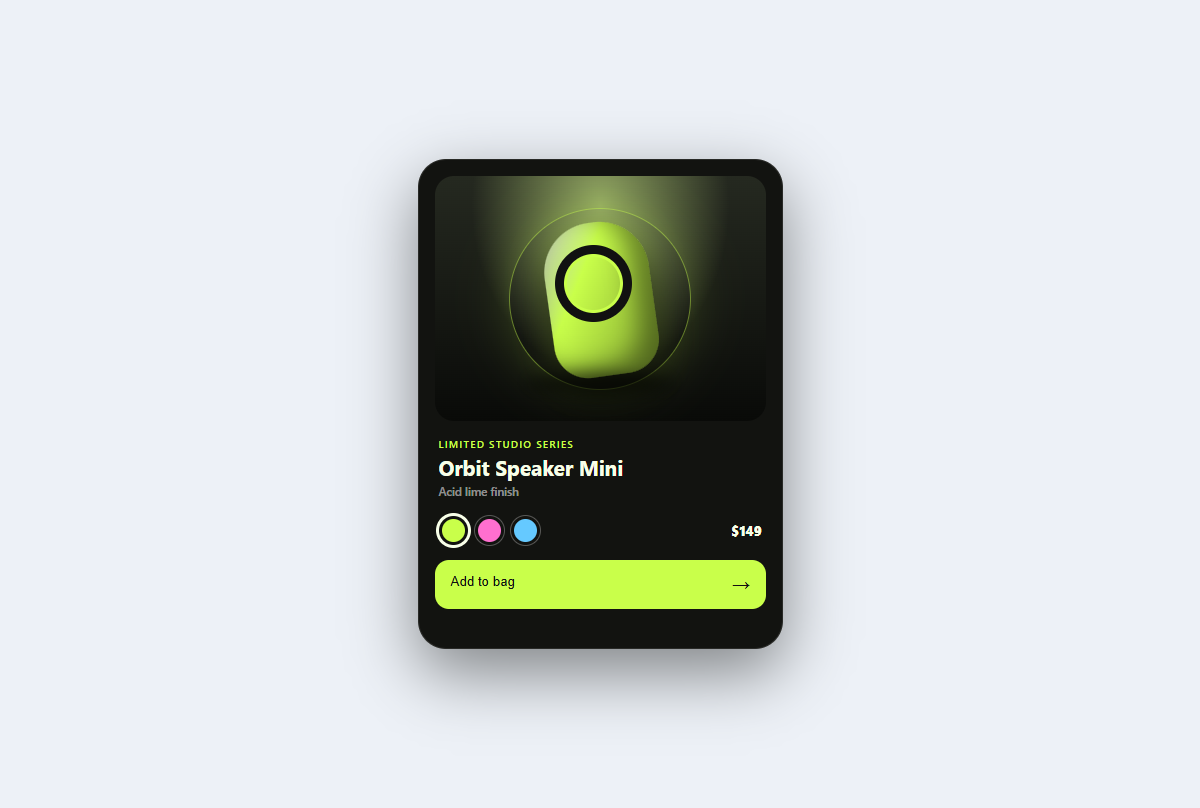
Product spotlight card
A studio-lit product card with tactile color variants, a dimensional CSS sculpture, price, and purchase feedback.
Open component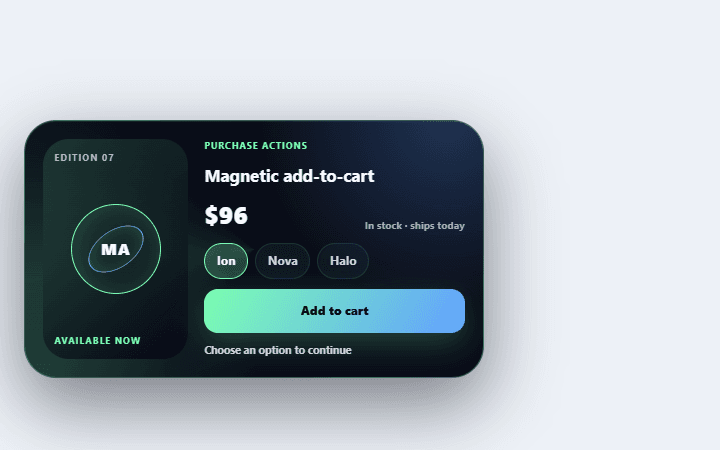
Magnetic add-to-cart control
Pulls the product token into a cart target while updating quantity and total.
Open component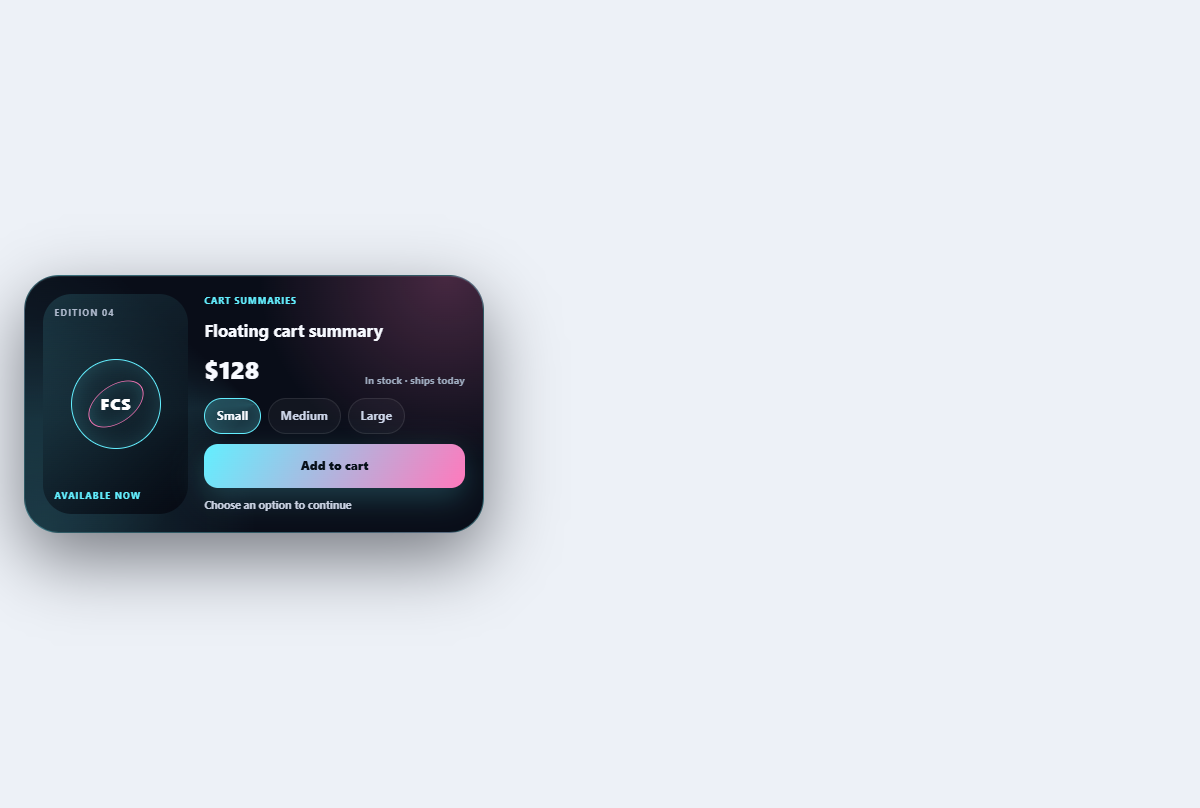
Floating cart summary
Keeps item count and total compact while expanding into an editable mini-cart summary.
Open component