
Estimates people can verify
Pricing calculator components
A calculator earns trust when its assumptions, units, included allowance, and recurring cadence remain visible beside the result. This collection covers fixed plans, configurable additions, and several estimation models without hiding business rules behind a single animated number.
Why this set works
A stronger implementation baseline.
Every estimate exposes the inputs and formula that produced it
Currency formatting remains separate from calculation values
Native inputs support keyboard entry and familiar validation
Working source
Preview, customize, and download.
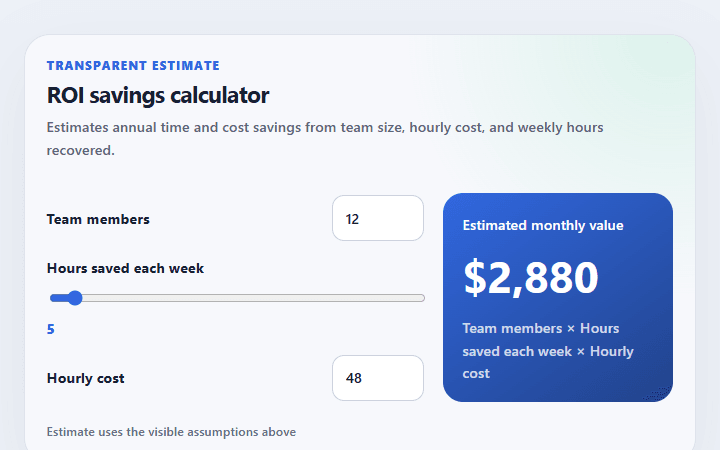
ROI savings calculator
Estimates annual time and cost savings from team size, hourly cost, and weekly hours recovered.
Open component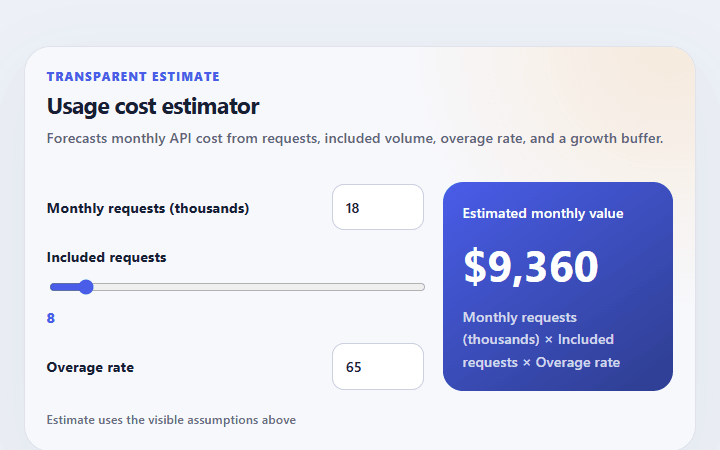
Usage cost estimator
Forecasts monthly API cost from requests, included volume, overage rate, and a growth buffer.
Open component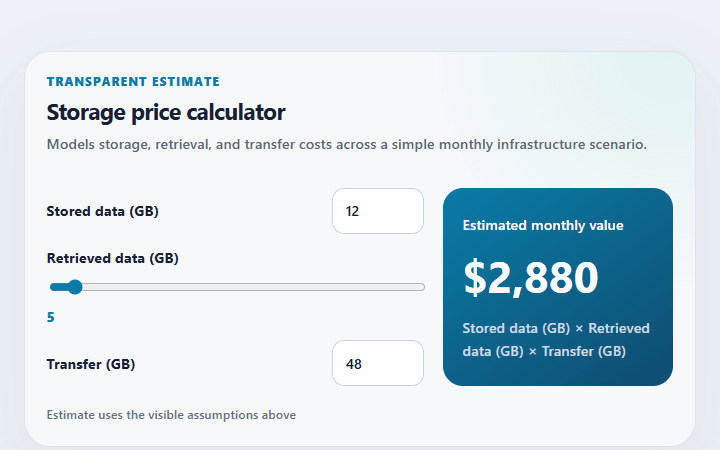
Storage price calculator
Models storage, retrieval, and transfer costs across a simple monthly infrastructure scenario.
Open component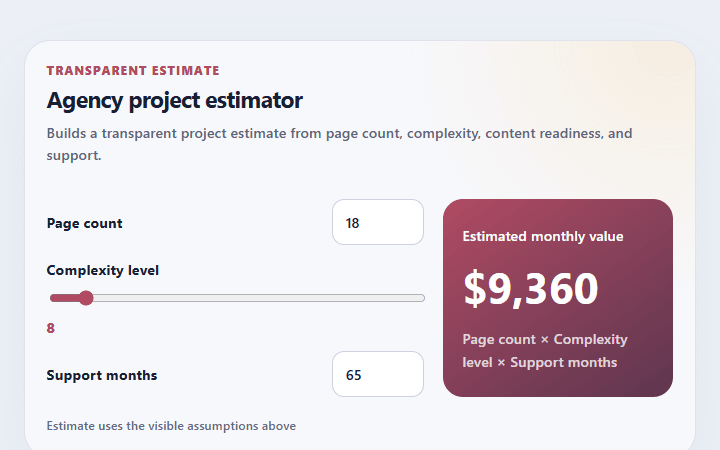
Agency project estimator
Builds a transparent project estimate from page count, complexity, content readiness, and support.
Open component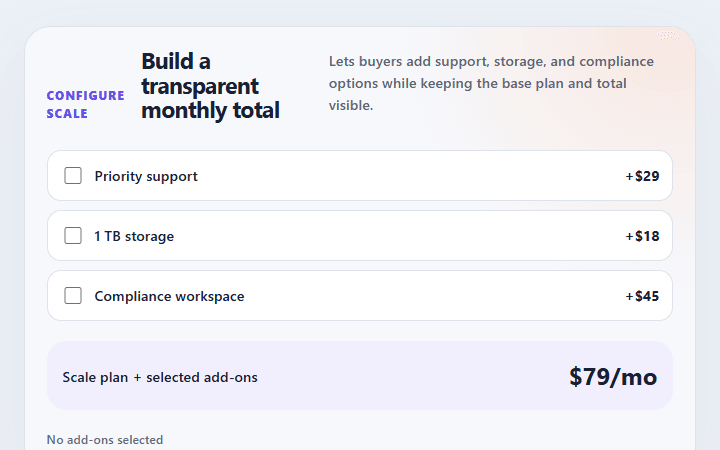
Add-on pricing selector
Lets buyers add support, storage, and compliance options while keeping the base plan and total visible.
Open component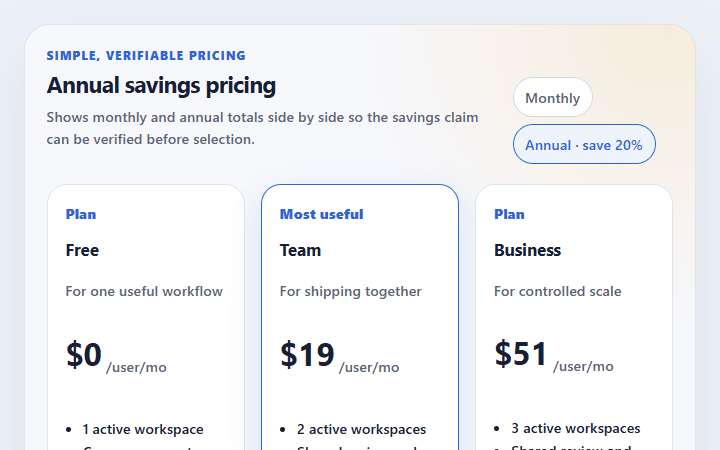
Annual savings pricing
Shows monthly and annual totals side by side so the savings claim can be verified before selection.
Open componentBefore shipping
Implementation checklist.
Use these checks after adapting the components to your content and application state.
- 01
Name every input with its unit, period, and accepted range.
- 02
Keep included usage and overage costs as separate line items.
- 03
Reject negative and non-finite values before calculation.
- 04
Validate commercial totals again on the server before checkout.
Implementation guidance