
Depth with a semantic backbone
Spatial and 3D interface components
Spatial design is most powerful when position and depth clarify a relationship. These components pair layered visual scenes with ordered semantic controls, keyboard focus, reduced-motion modes, and static fallbacks.
Why this set works
A stronger implementation baseline.
Visual depth mirrors a real hierarchy or system state
Keyboard and touch paths reach the same information as pointer effects
Capability and reduced-motion fallbacks are included in the component
Working source
Preview, customize, and download.
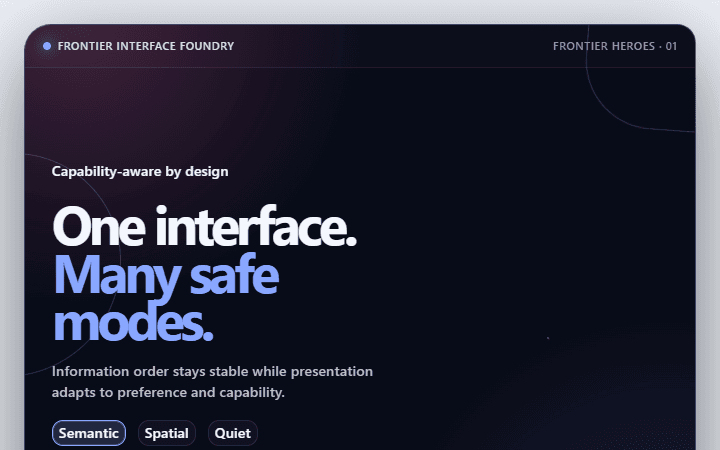
Adaptive Experience Header · Frontier heroes
Introduces a specialized experience with context, status, and one safe entry point for spatial, multimodal, and adaptive product experiences.
Open component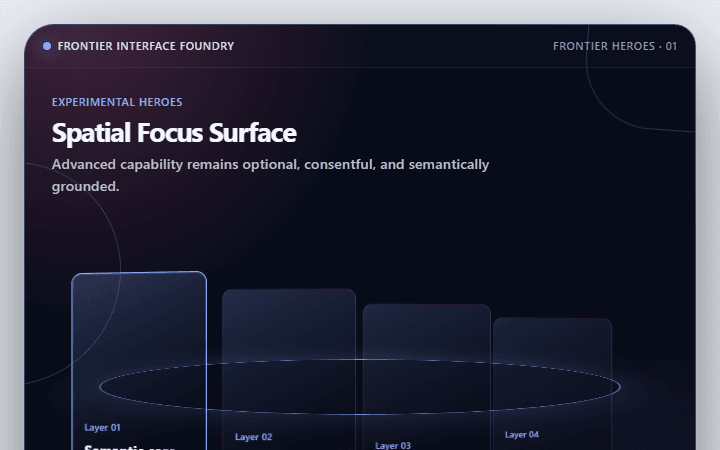
Spatial Focus Surface · Frontier heroes
Uses depth and position to clarify relationships without losing linear accessibility for spatial, multimodal, and adaptive product experiences.
Open component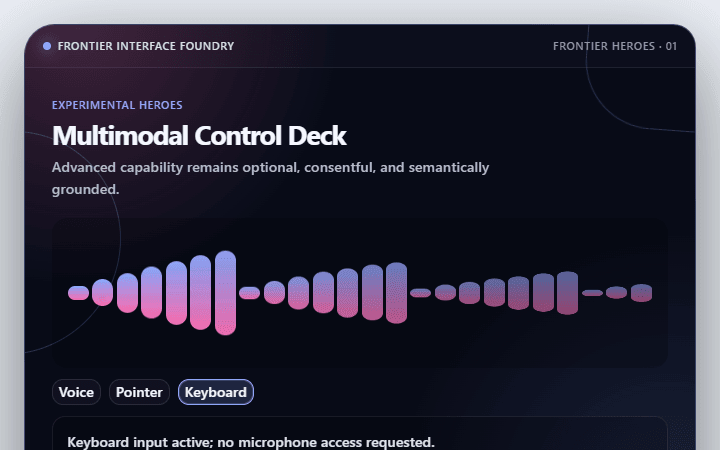
Multimodal Control Deck · Frontier heroes
Coordinates text, audio, visual, and tactile preferences through explicit controls for spatial, multimodal, and adaptive product experiences.
Open component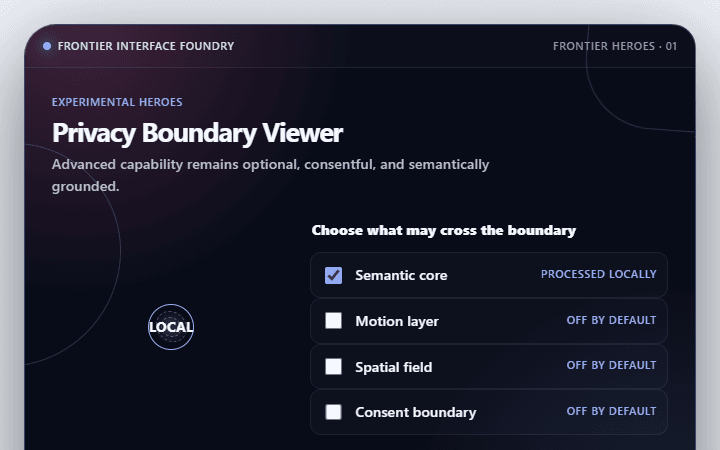
Privacy Boundary Viewer · Frontier heroes
Shows which data stays local, leaves the device, or reaches another party for spatial, multimodal, and adaptive product experiences.
Open component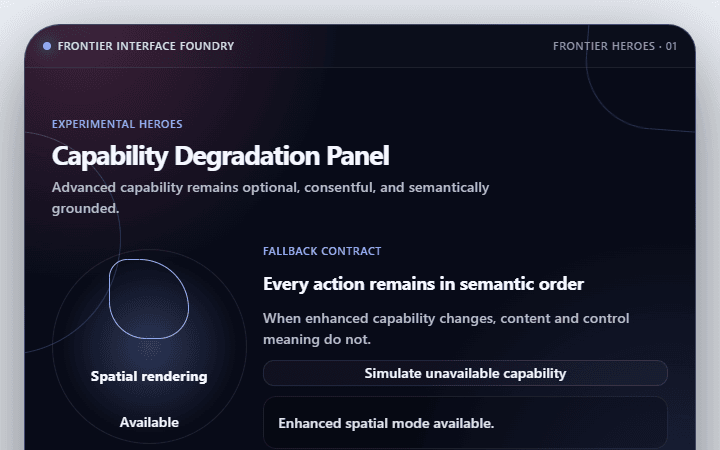
Capability Degradation Panel · Frontier heroes
Preserves a useful experience when advanced browser, device, or network capability is missing for spatial, multimodal, and adaptive product experiences.
Open component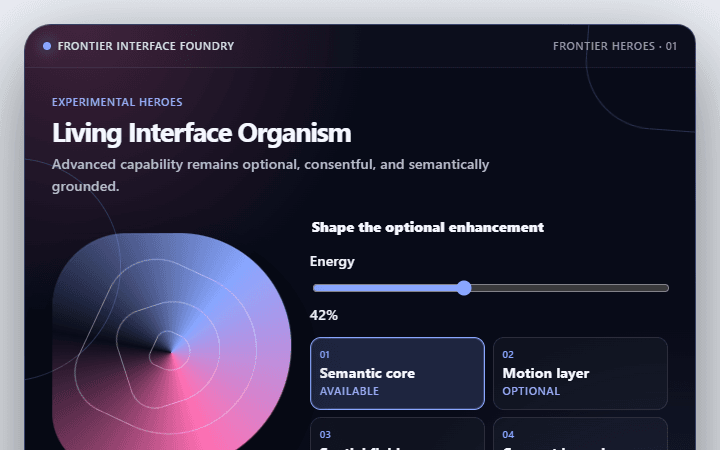
Living Interface Organism · Frontier heroes
Creates a memorable responsive system whose motion reflects real state rather than decoration for spatial, multimodal, and adaptive product experiences.
Open componentBefore shipping
Implementation checklist.
Use these checks after adapting the components to your content and application state.
- 01
Keep the semantic reading order independent from visual coordinates.
- 02
Do not move actionable targets away from the pointer or keyboard focus.
- 03
Provide a static equivalent for every spatially encoded relationship.
- 04
Test forced colors, reduced motion, touch, zoom, and narrow containers.
Implementation guidance