
Design frontend animation with prefers-reduced-motion
Keep expressive interface motion while providing calmer, equally understandable states for people who request reduced movement.
What you will build correctly
- Reduced motion is an alternate design state, not a request to remove meaning.
- Stop continuous, large-distance, and parallax movement first.
- Preserve state changes through color, shape, text, and immediate transitions.
Classify motion by purpose and intensity
Functional motion explains a relationship, feedback motion confirms an action, and decorative motion adds atmosphere. Large zooms, sweeping parallax, cursor trails, and endless particles carry more vestibular risk than a short color fade. Audit each effect by distance, scale, duration, repetition, and whether users can trigger it unexpectedly.
The goal is not to flatten every interface. Preserve information while reducing movement that travels across the viewport or never stops. A loader still needs to communicate progress, and a menu still needs to become visibly open, but neither requires a dramatic spin or slide.
Build the calm state alongside the animated state
Write the stable visual state first, then add motion inside a no-preference media query. This progressive structure prevents a forgotten override from leaving elements invisible or translated off screen when animation is disabled.
For an ember button, keep the warm gradient and pressed depth but stop rising sparks. For a cursor effect, retain a subtle local highlight but remove the following trail. For a success panel, show the check mark immediately instead of firing a full-screen confetti burst.
                      @media (prefers-reduced-motion: no-preference) {
  .spark { animation: rise 1.8s infinite; }
}
@media (prefers-reduced-motion: reduce) {
  .spark { display: none; }
}
Handle JavaScript animation and media together
Use matchMedia to skip requestAnimationFrame loops, particle systems, and smooth scrolling when reduced motion is active. Listen for preference changes so users do not need to reload the page after changing their operating-system setting.
Do not replace motion with flashing or rapid color cycling. The alternative should be calmer across movement and visual intensity. Audio should never be introduced as the only replacement for a visual state.
- Stop animation loops rather than merely slowing them.
- Avoid automatic smooth scrolling.
- Keep success, error, and selection states explicit.
Test effects as real interaction sequences
Enable reduced motion before loading the page, then hover, focus, activate, dismiss, and navigate through each animated control. Watch for content that remains hidden because an entrance animation never ran and for timers that still consume resources in the background.
Repeat with keyboard and touch because different input paths often trigger different effect layers. The calm version should feel intentionally art-directed, not broken or unfinished, and it should preserve the same labels, focus cues, and task completion feedback.
Use the pattern
Study it in working components.
These internal examples connect the guide to standalone HTML, CSS, and JavaScript you can preview, customize, and download.
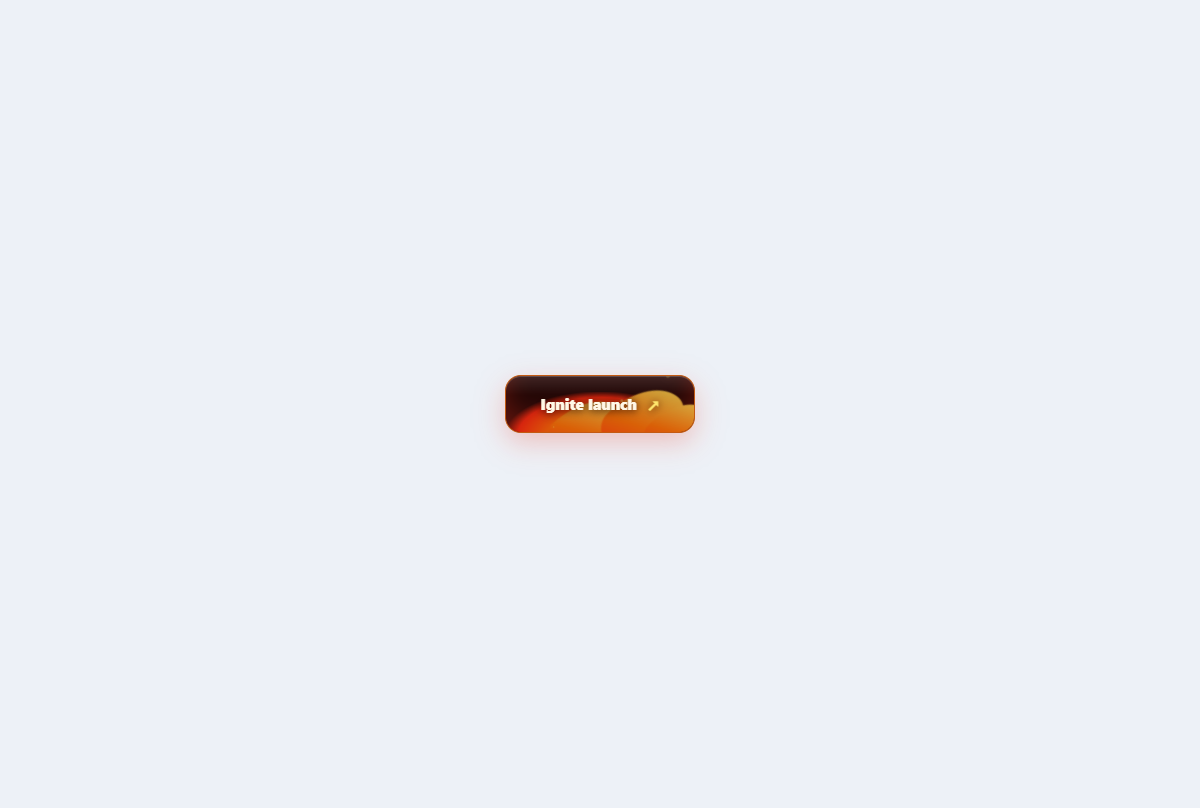
Fire forged button
A cinematic action button with a layered ember bed, licking flames, sparks, and heat-reactive states.
Open component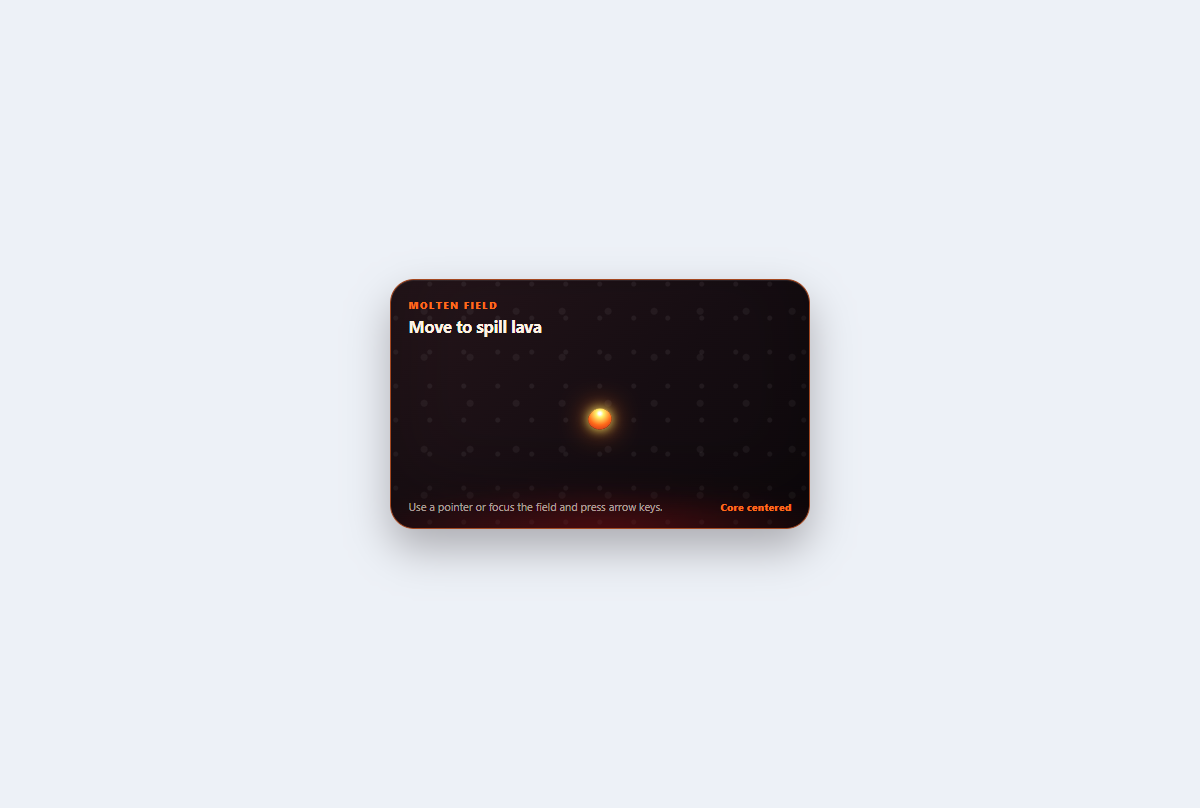
Lava trail cursor
A scoped volcanic pointer field that spills short-lived molten droplets which cool from yellow to red.
Open component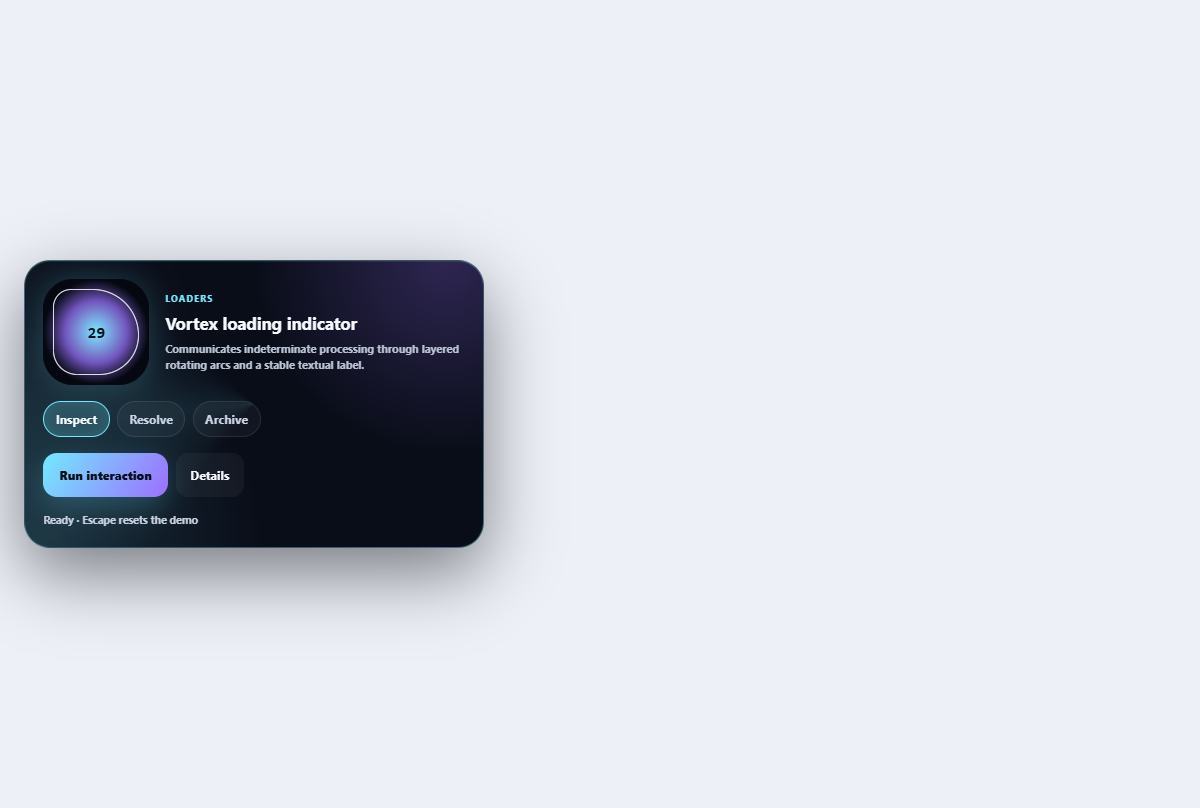
Vortex loading indicator
Communicates indeterminate processing through layered rotating arcs and a stable textual label.
Open component