
Test the component download, not only the live demo
A polished preview can hide missing files, unsafe assumptions, and broken keyboard paths. Treat the exported package as a separate product that needs direct QA.
A component library has two products: the browsing experience that demonstrates an idea and the files a developer takes away. Quality in one does not prove quality in the other.
A preview environment can hide accidental dependencies
The library application may provide global fonts, reset styles, variables, icons, and helper scripts that make a component look complete. If the exported ZIP omits one of those assumptions, the downloaded page can lose spacing, colors, interaction, or accessible names even though the catalog preview remains perfect.
Open the exported index file from its own directory and inspect the network and console. The component should reference only files included in the package or intentionally documented external resources. A disconnected test is valuable because it immediately reveals hidden CDN fonts, icon scripts, and modules that were never included in the handoff.
Test the manifest as deliberately as the interface
Automated checks can inspect each archive for expected HTML, CSS, JavaScript, README, and license files. They should reject absolute local paths, missing imports, and filenames that disagree with the documentation. When customization changes a token, the generated CSS must contain the selected value rather than the default from the catalog record.
The README should identify the component, explain its public tokens, list accessibility expectations, and describe any script behavior. The package becomes easier to trust when a developer can understand its contract before opening every file. A clear license also prevents a technically sound download from becoming unusable during legal review.
- Extract every ZIP into a fresh temporary directory before testing.
- Verify relative file references and reject missing assets.
- Run the standalone page at multiple widths and color schemes.
- Check that the README and license travel with the source.
Exercise behavior through real input paths
Clicking the obvious control is not enough. Tab through every focusable element, activate buttons with Enter and Space, operate composite widgets with their documented keys, and inspect focus after menus or dialogs close. Touch targets and narrow layouts need their own run because pointer accuracy and viewport constraints change the experience.
Automated accessibility scans catch useful structural problems, but they cannot decide whether focus returns to the right place or an announcement is understandable. Pair them with targeted interaction tests. Capture console errors and failed requests during the same run so a visual success cannot mask an exception that breaks later interactions.
Make release gates reflect the package users receive
A component should become published only when its source, preview, metadata, download, keyboard path, and accessibility scan agree. Generate the public catalog index after those checks, not before them. This ordering prevents stale downloads and metadata from remaining live when a source component changes.
Run a final link check over the built site and request a selection of public ZIP URLs after deployment. That last step verifies that hosting includes ignored or generated binary assets. The strongest demo is not an animation; it is a package that behaves the same after it leaves the library.
Implementation guides
Turn the strategy into reliable frontend code.
These field guides cover the concrete HTML, CSS, JavaScript, accessibility, and integration work behind the decisions in this article.
Working component examples
Inspect the pattern in standalone source.
Open each component to preview its states, customize documented tokens, and download the portable HTML, CSS, and JavaScript package.
Accessible confirmation modal
A compact destructive-action dialog with focus trapping, restoration, and clear consequences.
Open component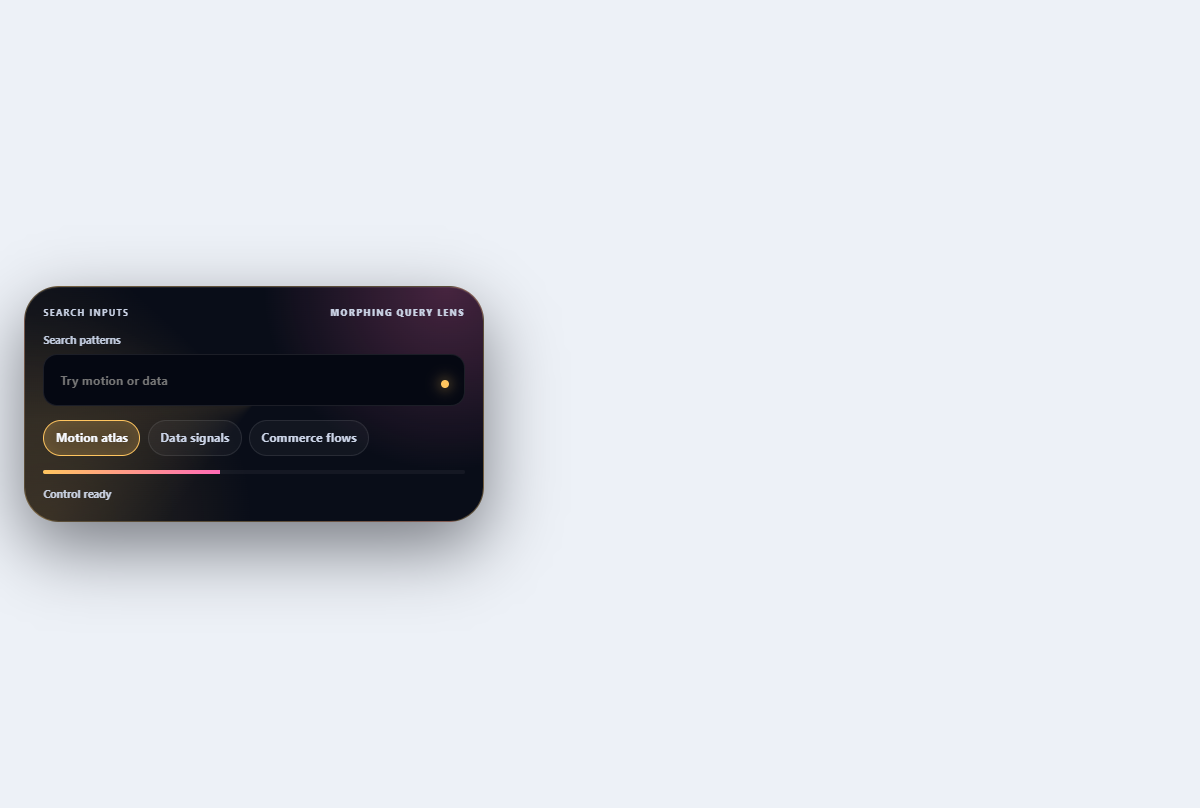
Morphing search combobox
Turns a compact search field into a filtered, keyboard-navigable suggestion lens.
Open component
Mobile navigation drawer
A full-height mobile menu with a dimmed backdrop, focus management, and grouped links.
Open component