
Core Web Vitals for frontend developers: LCP, INP, and CLS
Diagnose and improve loading, interaction responsiveness, and layout stability through concrete frontend measurements and fixes.
What you will build correctly
- Measure field data and reproduce slow experiences before choosing an optimization.
- Improve the dominant LCP resource, the longest interactions, and unstable layout sources.
- Treat performance budgets as part of component acceptance criteria.
Connect each metric to a user-visible failure
Largest Contentful Paint asks when the main visible content became useful. Interaction to Next Paint asks how long users wait after an interaction. Cumulative Layout Shift measures unexpected movement. The acronyms matter less than the experience they represent: waiting, unresponsive controls, and targets that jump away.
Start with real-user field data because laboratory results cannot reproduce every device, network, cache state, and interaction. Then use local traces to explain a specific slow page or control. Aggregate scores without route and device context rarely identify the code that should change.
Optimize the actual LCP candidate
Inspect which element becomes LCP on representative mobile and desktop visits. It may be a hero image, poster, heading, or background. Make that resource discoverable in initial HTML, avoid unnecessary client rendering, use a suitable image format and dimensions, and do not lazy-load above-the-fold media.
Reduce render-blocking work before the candidate can paint. Critical CSS, font loading, server response time, and long main-thread tasks can delay a perfectly compressed image. Re-measure after each meaningful change because the LCP candidate may shift.
- Prioritize the real hero asset.
- Keep above-the-fold content in server-rendered HTML.
- Remove dependency chains before the candidate request.
Break long interactions into visible progress
INP problems often come from event handlers that perform filtering, rendering, parsing, and storage work in one uninterrupted task. Update the pressed or pending state quickly, yield before expensive work, and move computation to a worker when it does not require the DOM.
Event delegation and fewer hydrated components can reduce listener and startup cost, but the slowest real interaction is what matters. Profile search, menus, sliders, dialogs, and editor actions with realistic data rather than clicking an empty demo once.
                      button.addEventListener('click', async () => {
  button.dataset.state = 'pending';
  await scheduler.yield?.();
  runExpensiveUpdate();
});
Prevent shifts by reserving the final geometry
Give images and embeds dimensions, make skeletons match the loaded component, and avoid inserting banners above content after the page settles. Font swaps, late personalization, cookie notices, and responsive ad slots can all move the interface even when no image is involved.
Track the complete shift cluster in a performance trace and identify the element that moved plus the element that caused the movement. The visible victim is not always the source. Test logged-out, first-visit, slow-network, and returning-user states because stability problems are often conditional.
Use the pattern
Study it in working components.
These internal examples connect the guide to standalone HTML, CSS, and JavaScript you can preview, customize, and download.
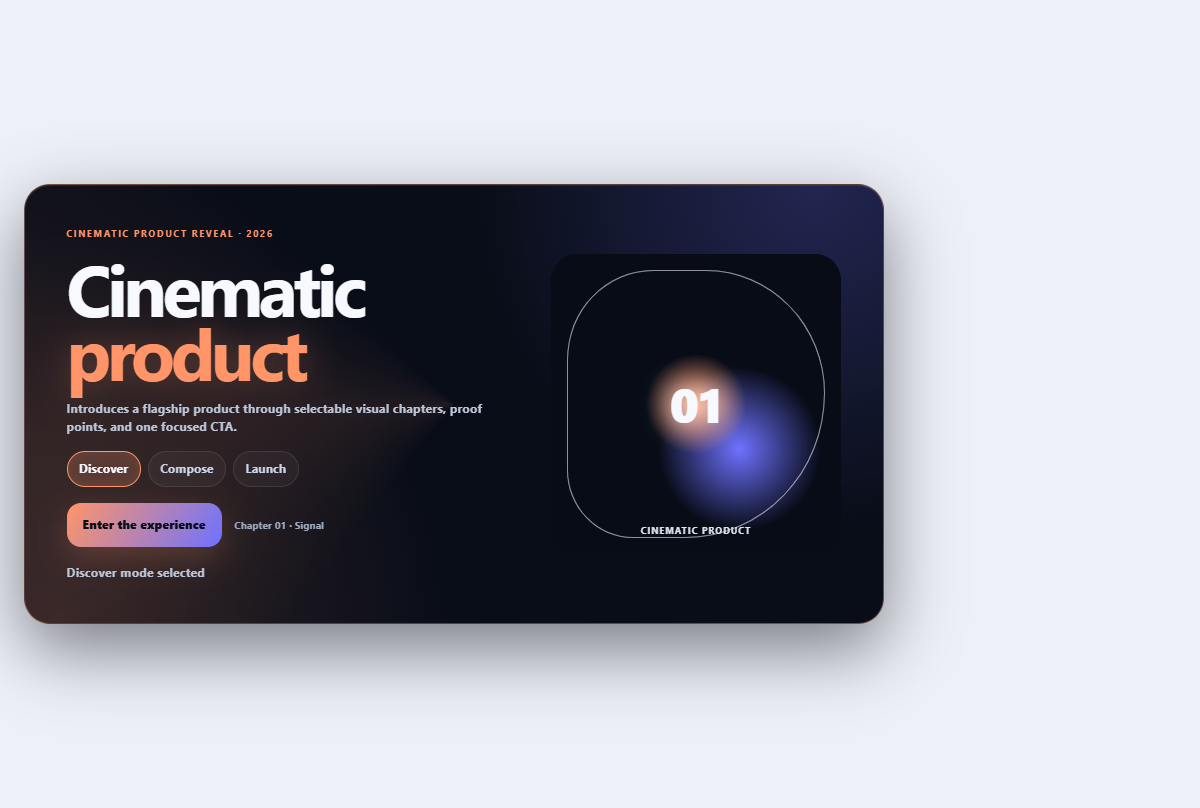
Cinematic product hero
Introduces a flagship product through selectable visual chapters, proof points, and one focused CTA.
Open component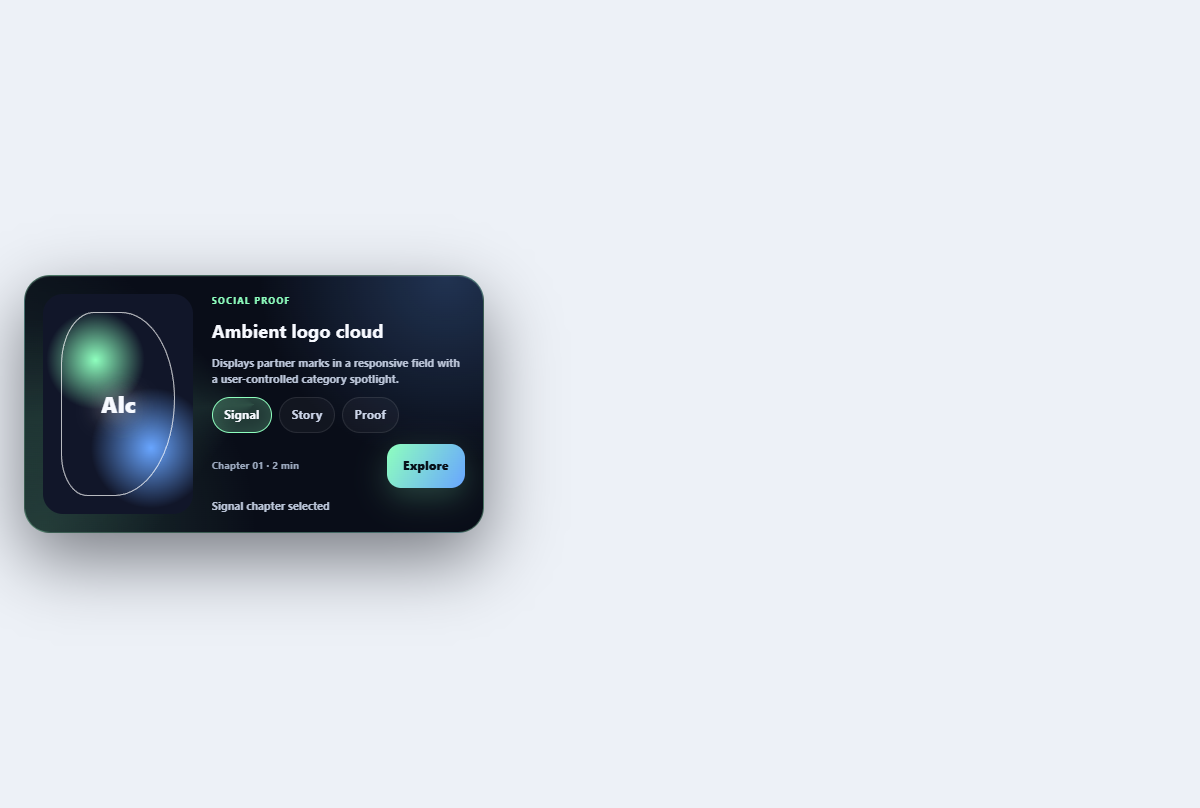
Ambient logo cloud
Displays partner marks in a responsive field with a user-controlled category spotlight.
Open component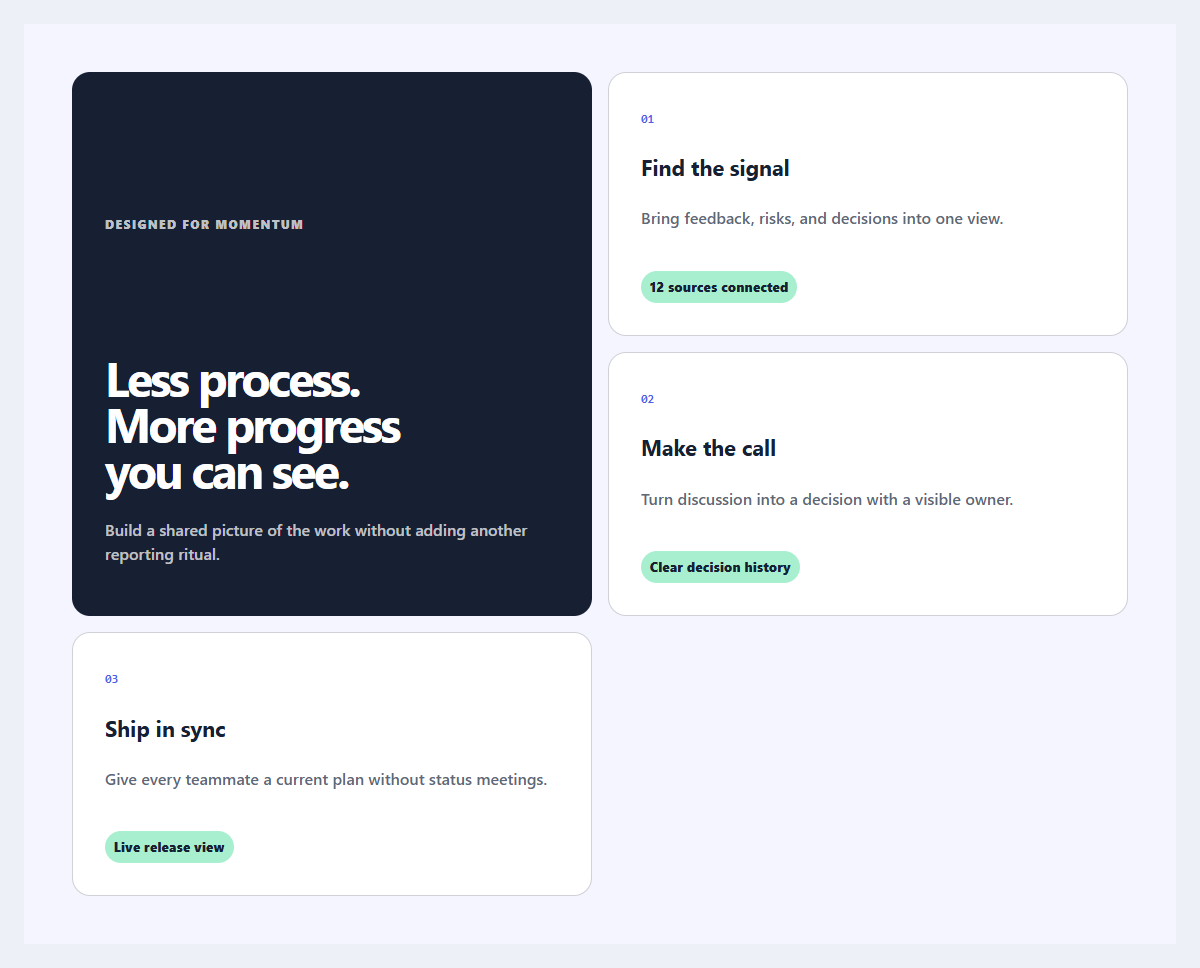
Outcome feature grid
An editorial feature section organized around user outcomes instead of product jargon.
Open component