
Reduce JavaScript bundle size: practical frontend strategies
Ship less client code through server rendering, progressive enhancement, route splitting, native platform features, and dependency review.
What you will build correctly
- Start from the user interaction and remove code that does not support it.
- Render content on the server and hydrate only stateful islands.
- Prefer native controls and small local modules before adding a dependency.
Measure shipped and executed code separately
A compressed transfer chart does not show parse, compile, and execution cost. Use a bundle analyzer to find large modules and coverage tooling to see which code runs on the current route. Repeat on a mid-range mobile profile because desktop development hardware hides main-thread cost.
Create budgets for initial JavaScript, route-level chunks, and individual interactive components. A catalog page with static cards should not hydrate every card just to support one search field or favorite button.
Keep server-rendered content independent of hydration
Titles, descriptions, links, article text, and component source should arrive as usable HTML. Hydrate only the filters, editors, previews, or menus that retain state. This reduces startup work and keeps the page understandable when JavaScript is delayed.
Choose the least eager hydration trigger that still supports the interaction. Above-the-fold controls may load immediately, while editors below the fold can wait for visibility or an explicit user action.
- Static content remains readable before hydration.
- Each island owns a narrow state boundary.
- Off-screen tools do not compete with the first interaction.
Replace libraries with platform features when appropriate
Native dialog, details, constraint validation, URLSearchParams, Intl, CSS animation, and modern layout can replace substantial client packages. The platform option is strongest when its accessibility and browser behavior match the required product experience.
Do not rewrite a well-tested specialist library simply to remove bytes. Compare maintenance, edge cases, tree shaking, and how much of the package the route actually uses. Import from narrow entry points and keep versions pinned.
                      const params = new URLSearchParams(location.search);
const activeTag = params.get('tag');
Split by user intent, not by file count
A large editor, charting tool, or ZIP exporter can load after users choose that feature. Dynamic imports are useful when they remove meaningful work from the default route, not when they create dozens of tiny network requests for code every visitor needs immediately.
After splitting, test slow networks and repeated navigation. A deferred feature should show a stable pending state, prefetch only when intent is credible, and report failures without leaving the interface frozen.
Use the pattern
Study it in working components.
These internal examples connect the guide to standalone HTML, CSS, and JavaScript you can preview, customize, and download.
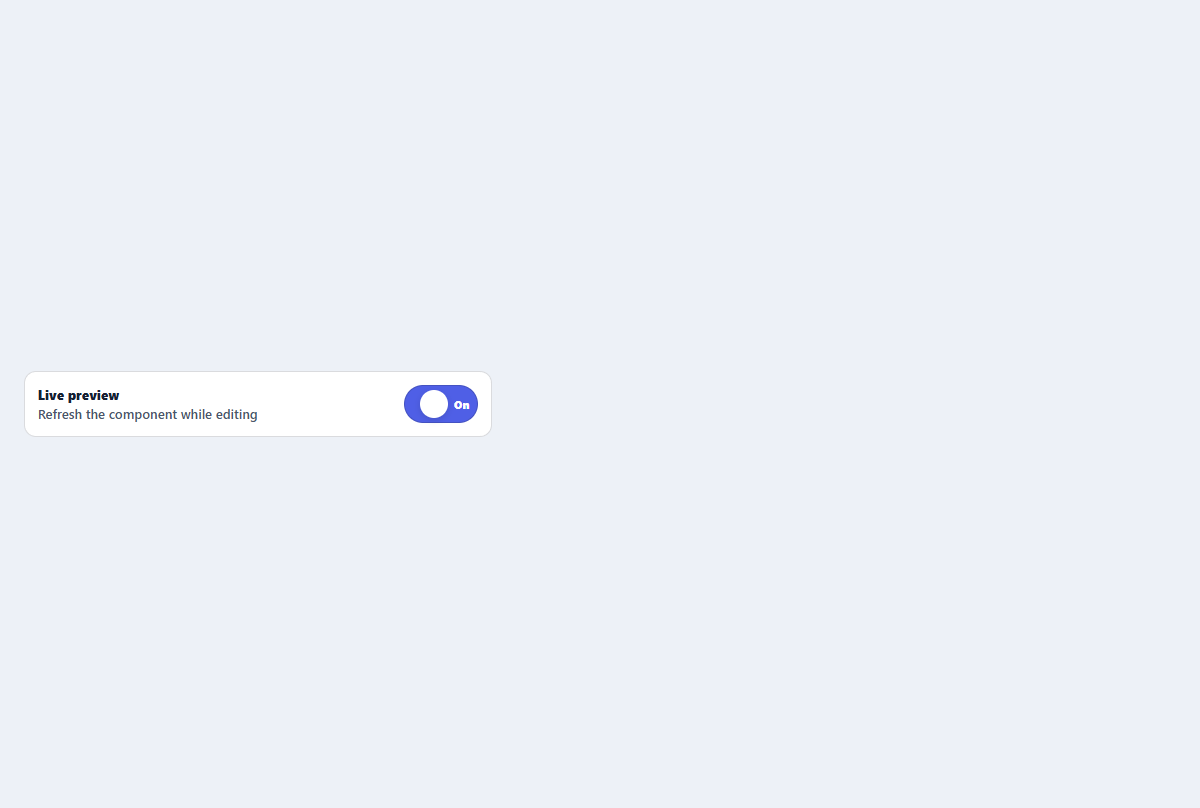
Labeled toggle switch
A compact settings switch with visible labels and announced on or off state.
Open component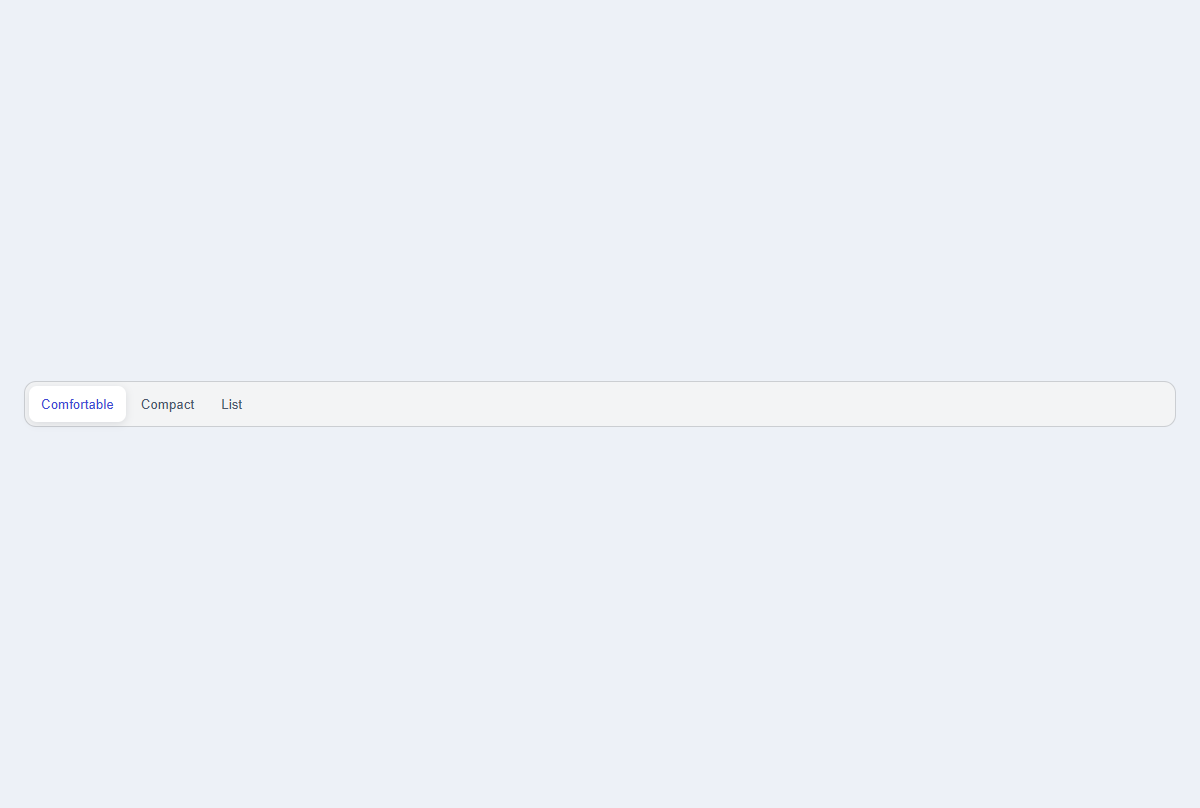
Segmented view control
A compact three-option control for switching views with announced pressed state.
Open component
Primary action button
A focused primary button with an icon slot, compact sizing, and clear interaction states.
Open component