
Lazy-load component previews without hurting discovery or UX
Delay expensive preview iframes and interactive demos while keeping component links, text, placeholders, and SEO content immediately available.
What you will build correctly
- Render searchable titles, descriptions, and links without waiting for preview JavaScript.
- Mount expensive previews shortly before they enter the viewport.
- Use a stable placeholder that resembles the final preview footprint.
Separate discovery content from the interactive preview
A catalog card should expose its component name, purpose, category, and destination in static HTML. Search engines and users should not need an iframe to discover what the card represents. The preview is an enhancement that demonstrates behavior after the essential content exists.
This separation also makes failure graceful. If a sandbox cannot load or scripts are blocked, the catalog remains navigable and the component detail page can still provide source, documentation, and downloads.
Observe a lightweight placeholder
Render a fixed-ratio surface or generated screenshot first, then use IntersectionObserver to mount the iframe when it approaches the viewport. A generous root margin begins work before the user reaches the card without paying for every preview during initial load.
Disconnect the observer after mounting and avoid repeatedly destroying previews as users scroll a few pixels. For pagination or filtering, mount only the currently visible result set so hidden pages do not create background documents.
                      const observer = new IntersectionObserver(loadPreview, { rootMargin: '300px 0px' });
observer.observe(placeholder);
Match the placeholder to the loaded geometry
A skeleton that is shorter than the final preview causes layout shift, while a generic pulse gives no clue what is coming. Use the same aspect ratio as the iframe or a real preview image and reserve labels and actions from the start.
Respect reduced motion by disabling continuous shimmer. A static tonal placeholder with an accessible loading label is enough, and it should be removed from announcements once the preview becomes available.
- Reserve the exact preview aspect ratio.
- Keep card actions interactive during loading.
- Do not announce every off-screen preview as it mounts.
Measure document and main-thread cost
Network waterfalls show iframe documents and assets, while performance profiles reveal script compilation, style calculation, and animation work. Compare initial page cost, scroll cost, and memory before and after lazy mounting with enough cards to represent production.
Some lightweight CSS-only previews may be cheaper to render directly, while untrusted or editable code still needs sandbox isolation. Choose the preview architecture from security and measured cost together rather than from a universal lazy-loading rule.
Use the pattern
Study it in working components.
These internal examples connect the guide to standalone HTML, CSS, and JavaScript you can preview, customize, and download.

Constellation skeleton loader
An indeterminate content placeholder with connected star nodes, structured copy lines, and reduced shimmer.
Open component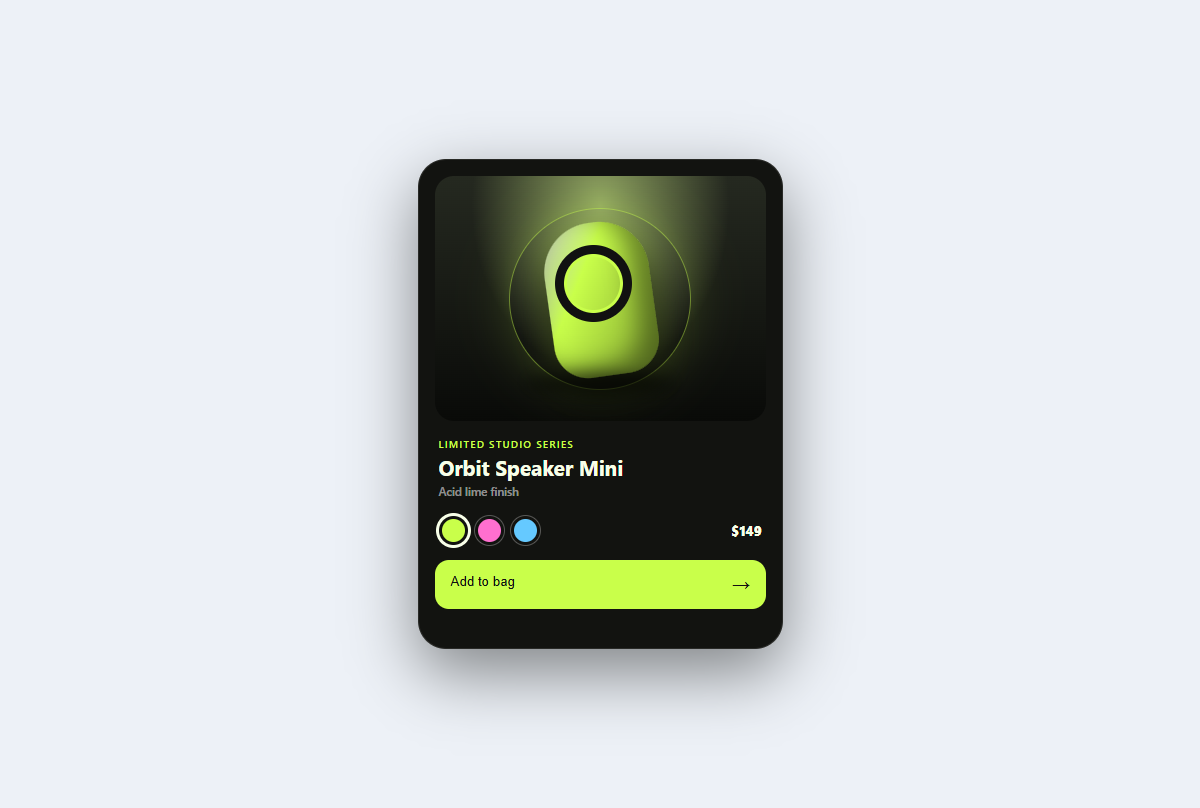
Product spotlight card
A studio-lit product card with tactile color variants, a dimensional CSS sculpture, price, and purchase feedback.
Open component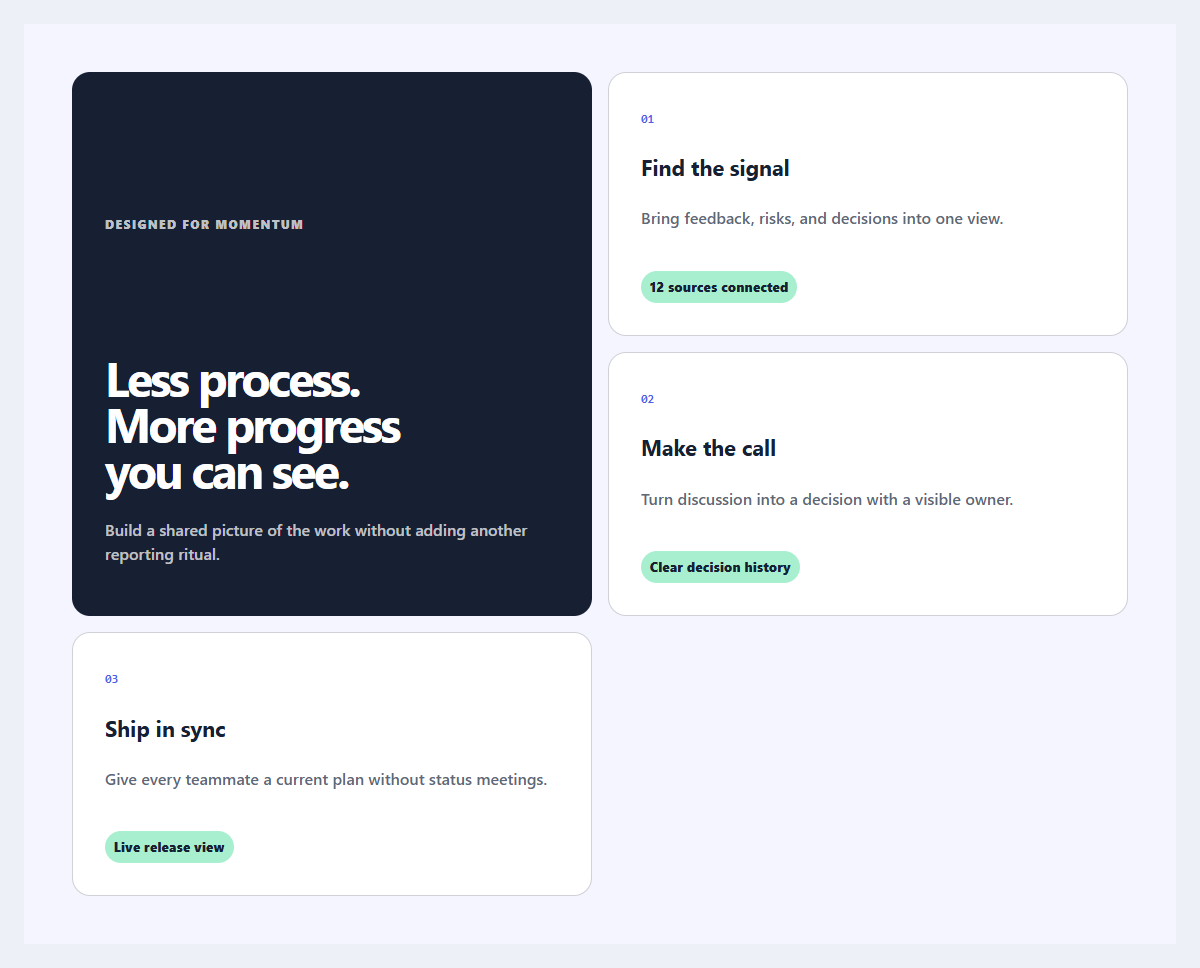
Outcome feature grid
An editorial feature section organized around user outcomes instead of product jargon.
Open component