
Interaction without framework lock-in
Vanilla JavaScript components
These components use small, scoped scripts to add behavior while keeping the underlying HTML useful. They are designed for direct use, progressive enhancement, or adaptation inside a framework without bringing a component runtime with them.
Why this set works
A stronger implementation baseline.
Defensive scripts stop safely when expected markup is unavailable
ARIA state follows the visible interaction state
No global variables, remote scripts, or framework dependency
Working source
Preview, customize, and download.

Accessible confirmation modal
A compact destructive-action dialog with focus trapping, restoration, and clear consequences.
Open component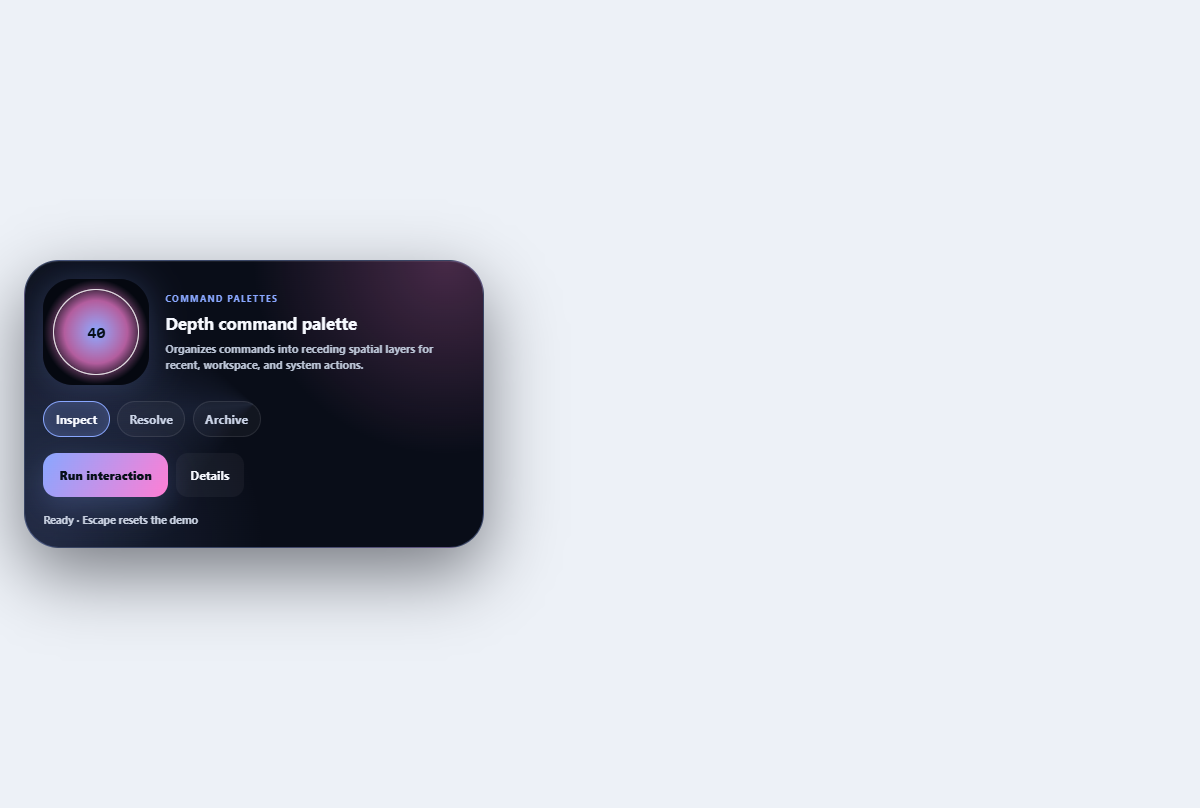
Depth command palette
Organizes commands into receding spatial layers for recent, workspace, and system actions.
Open component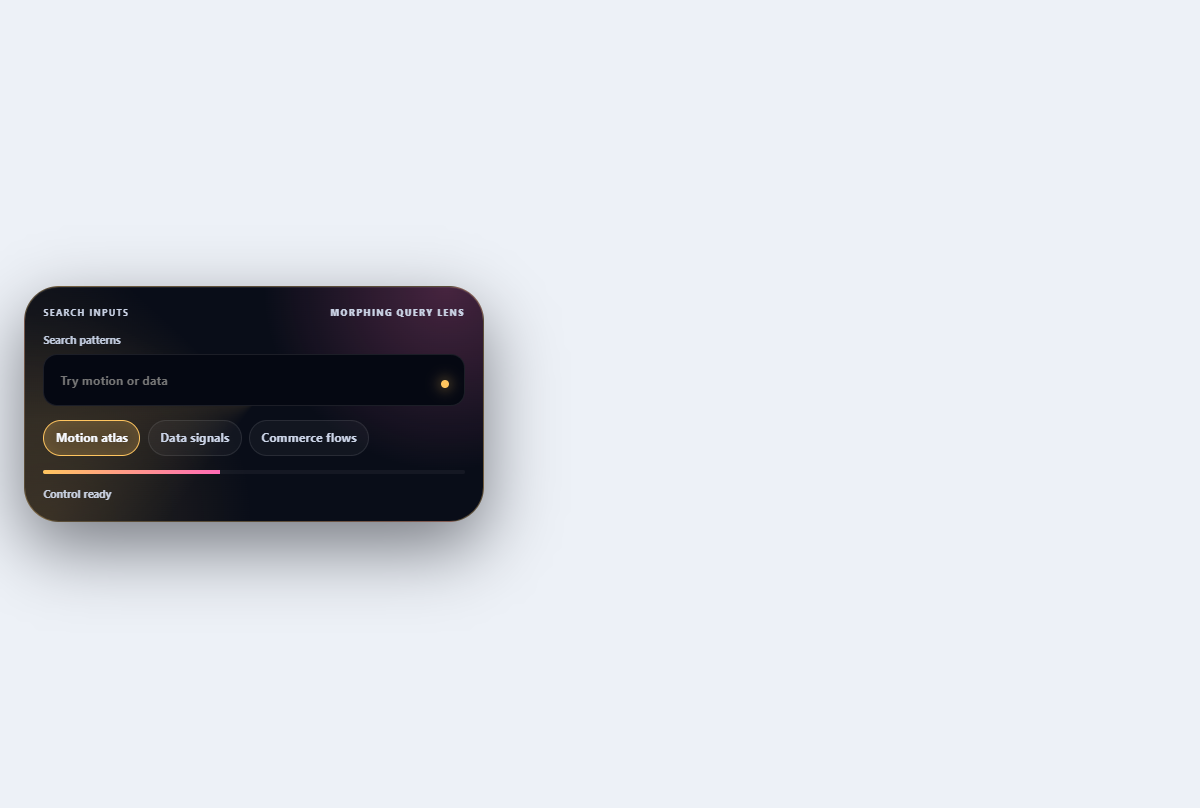
Morphing search combobox
Turns a compact search field into a filtered, keyboard-navigable suggestion lens.
Open component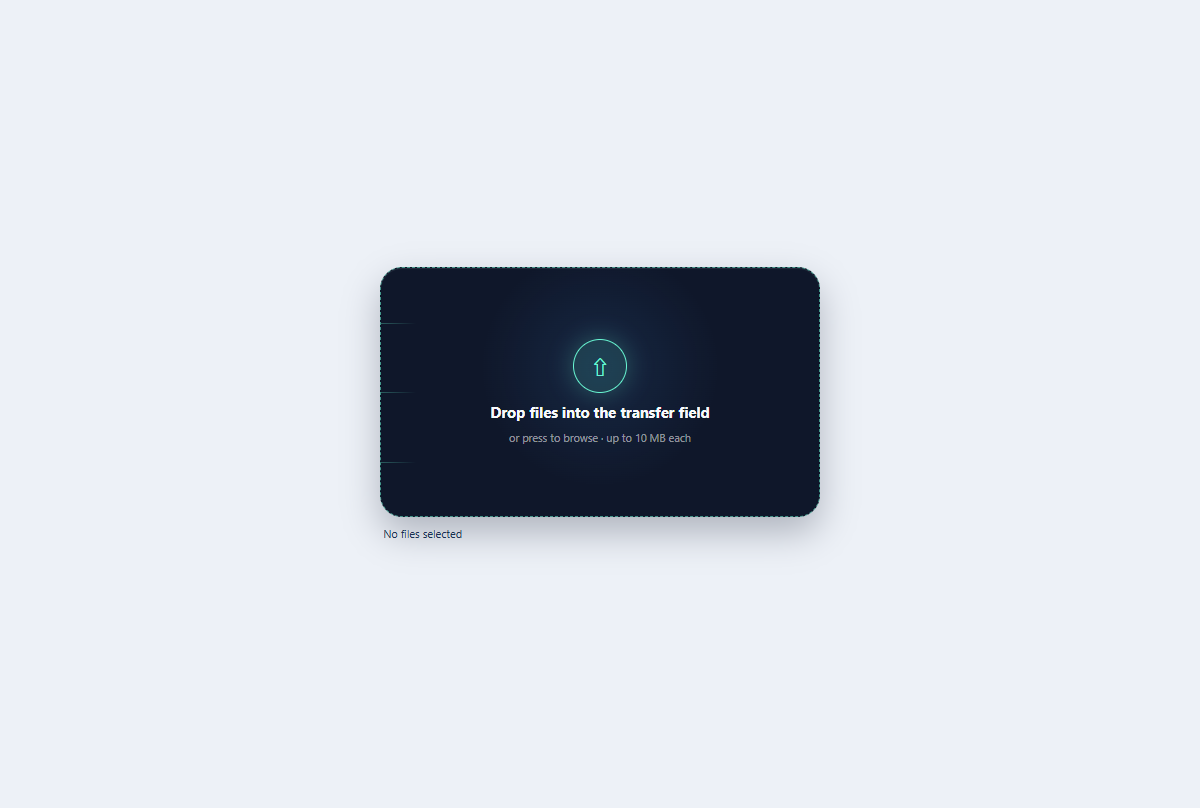
Kinetic file dropzone
A keyboard-ready file dropzone with animated transfer rails, drag state, and selected-file summary.
Open component
Comet toast stack
A replayable toast stack with comet-tail arrival, named dismiss actions, and pause-aware progress.
Open component
Mobile navigation drawer
A full-height mobile menu with a dimmed backdrop, focus management, and grouped links.
Open componentBefore shipping
Implementation checklist.
Use these checks after adapting the components to your content and application state.
- 01
Confirm that core content remains available before JavaScript runs.
- 02
Support keyboard activation, Escape behavior, and predictable focus movement.
- 03
Keep queries and event listeners scoped beneath the component root.
- 04
Test repeated initialization and pages that contain more than one instance.
Implementation guidance