
Build a complete authentication and onboarding flow
Design an end-to-end authentication and onboarding flow with safe recovery, clear verification, durable progress, and a fast path to first value.
What you will build correctly
- Model sign-in, verification, recovery, setup, and activation as explicit server-owned states.
- Preserve useful progress without putting credentials or verification secrets in browser storage.
- Measure completion and abandonment without collecting form values or sensitive identity data.
Map the identity journey before drawing screens
A dependable authentication experience begins with lifecycle states, not a collection of attractive forms. List the states a person can occupy: unknown visitor, partially registered account, verification pending, authenticated member, workspace incomplete, invited teammate, and activated user. Define which server event advances each state and which routes remain available when a person returns after closing the browser.
Keep recovery paths beside the happy path from the beginning. Expired links, reused codes, changed email addresses, unavailable passkeys, duplicate invitations, and interrupted workspace setup are normal operating states rather than exceptional edge cases. Every screen should explain what happened, what remains safe, and the next action without revealing whether an unrelated account exists.
- Give every state one authoritative server-side condition and a clear next route.
- Provide a resend or fallback action with visible cooldown and rate-limit feedback.
- Return authenticated users to the incomplete task instead of restarting signup.
- Keep sign-out and account-switching reachable throughout organization setup.
Let the server own identity and route decisions
Client code can improve pacing, field feedback, and focus movement, but it cannot decide whether an identity is verified or authorized. After each credential, passkey, or one-time-code operation, the server should issue a protected session and return the next permitted state. Route loaders then derive the next page from that trusted state instead of accepting a destination supplied by the browser.
Use generic sign-in and recovery responses where account discovery would create risk. Bind verification attempts to short lifetimes, limit retries by account and network signals, invalidate consumed challenges, and record security-relevant outcomes without logging codes or passwords. Cookies should be secure, HTTP-only, scoped narrowly, and protected against cross-site submission according to the application architecture.
                      function nextIdentityRoute(account) {
  if (!account) return '/sign-in';
  if (!account.emailVerified) return '/verify';
  if (!account.workspaceId) return '/setup';
  if (!account.onboardingComplete) return '/welcome';
  return '/app';
}

const account = await requireSession(request);
return Response.redirect(new URL(nextIdentityRoute(account), request.url));
Preserve progress without preserving secrets
Workspace names, selected preferences, and completed onboarding tasks can be saved as ordinary account data after a trusted session exists. Passwords, one-time codes, recovery tokens, passkey challenges, and raw invitation secrets should never be copied into local storage or long-lived client state. When a page reloads, request the current safe progress summary from the server and rebuild the interface from that response.
Make Back and refresh behavior predictable across multi-step forms. A person should be able to correct non-sensitive profile details without accidentally resubmitting a credential operation. Disable a submission only while its exact request is pending, preserve labels and help text during loading, and restore focus to a useful heading or invalid field when the server returns a new state.
Test recovery, activation, and privacy together
Test the complete journey with keyboard navigation, browser autofill, password managers, passkeys, narrow screens, zoom, delayed responses, duplicate submissions, expired verification codes, and sessions opened in another tab. Confirm that every error remains associated with its field or summary and that status announcements do not repeat the entire form after each attempt.
Analytics should record state transitions such as signup started, verification completed, workspace created, and first-value task finished. Do not attach email addresses, entered names, invitation tokens, or form payloads. Measure where anonymous or pseudonymous sessions stop, review the result by device and route, and improve the blocked transition before adding more onboarding steps.
Use the pattern
Study it in working components.
These internal examples connect the guide to standalone HTML, CSS, and JavaScript you can preview, customize, and download.
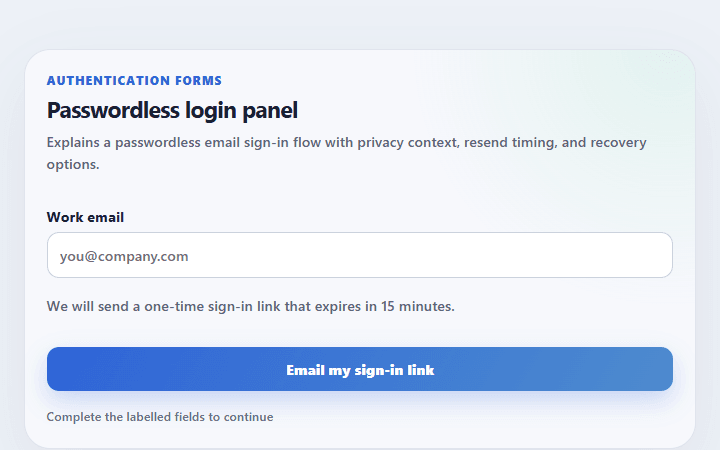
Passwordless login panel
Explains a passwordless email sign-in flow with privacy context, resend timing, and recovery options.
Open component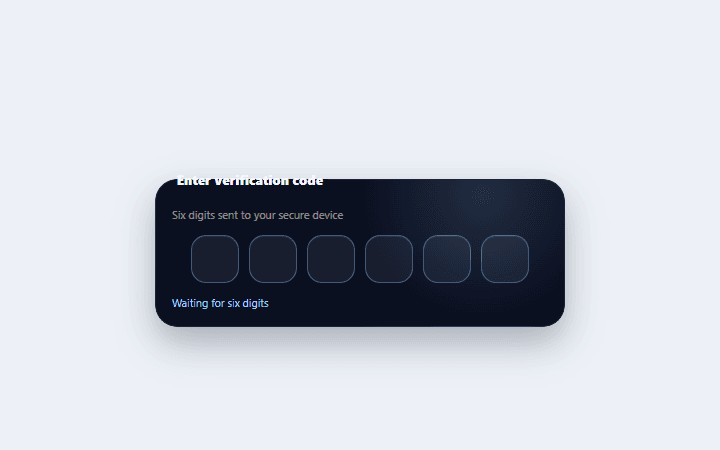
Constellation OTP input
A six-digit verification group with paste distribution, focus choreography, and connected completion state.
Open component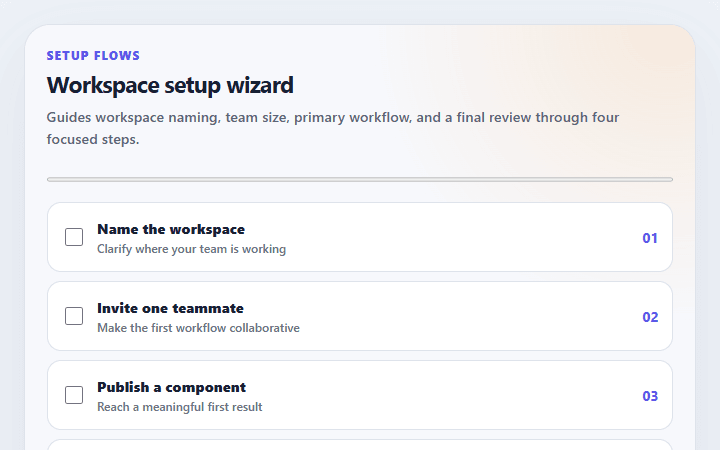
Workspace setup wizard
Guides workspace naming, team size, primary workflow, and a final review through four focused steps.
Open component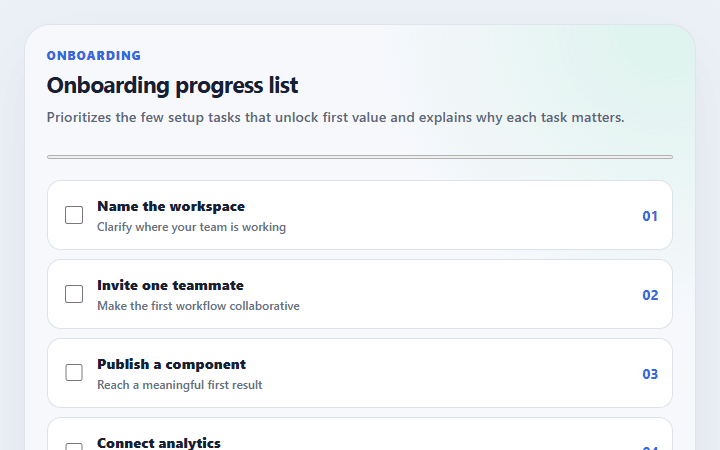
Onboarding progress list
Prioritizes the few setup tasks that unlock first value and explains why each task matters.
Open component