
SEO for frontend component pages: titles, schema, and internal links
Create indexable component detail pages with unique metadata, preview images, SoftwareSourceCode schema, breadcrumbs, and useful content links.
What you will build correctly
- Generate unique metadata from component facts instead of duplicating a second content system.
- Keep titles, descriptions, previews, schema, headings, and page copy aligned.
- Link components into categories and guides through descriptive, useful context.
Give every component one stable indexable route
A component detail page should have a clean path, one canonical URL, a descriptive title, visible h1, useful summary, and source or preview content available in server-rendered HTML. Filter combinations and workbench state can use query parameters without creating thousands of thin indexable variations.
Titles should name the specific component and its implementation context without repeating generic catalog phrases. Descriptions can be generated programmatically when they combine unique authored component facts into readable summaries rather than keyword lists.
                      <title>Fire forged button: HTML/CSS | Coding Laboratory</title>
<link rel="canonical" href="https://example.com/components/navigation-layout/fire-forged-button">
Use the real preview as the social image
A generated screenshot of the component is more informative than the same brand card on every route. Provide an absolute Open Graph image URL, descriptive alt text, matching social title and description, and the page canonical as og:url.
Keep the preview crawlable and stable. If its appearance changes with themes or user state, generate a controlled default that clearly represents the downloadable component.
Describe source code with accurate structured data
Schema.org SoftwareSourceCode can identify the component, programming languages, runtime, version, dates, license, publisher, image, and canonical page. Connect it to WebPage, ImageObject, WebSite, Organization, and BreadcrumbList nodes through stable ids.
Structured data must reflect visible facts. Do not add reviews, ratings, prices, or compatibility claims the page does not support. Serialize JSON-LD safely and validate both the generated object and the rendered script.
- HTML and CSS are always declared when they are real package files.
- JavaScript is declared only for scripted components.
- Dates, version, license, and preview match visible content.
Build internal links around user tasks
Category pages explain the broader component family, related-component links support comparison, and practical guides show how to implement patterns correctly. Use descriptive anchors such as “accessible modal component” rather than repeating “click here.”
Validate that every linked route exists, avoid automated links that are only loosely related, and update the sitemap on every build. Internal linking should help users continue a real task; search discovery benefits from the same clarity.
Use the pattern
Study it in working components.
These internal examples connect the guide to standalone HTML, CSS, and JavaScript you can preview, customize, and download.

Breadcrumb trail
A small responsive breadcrumb that clarifies hierarchy without dominating the page.
Open component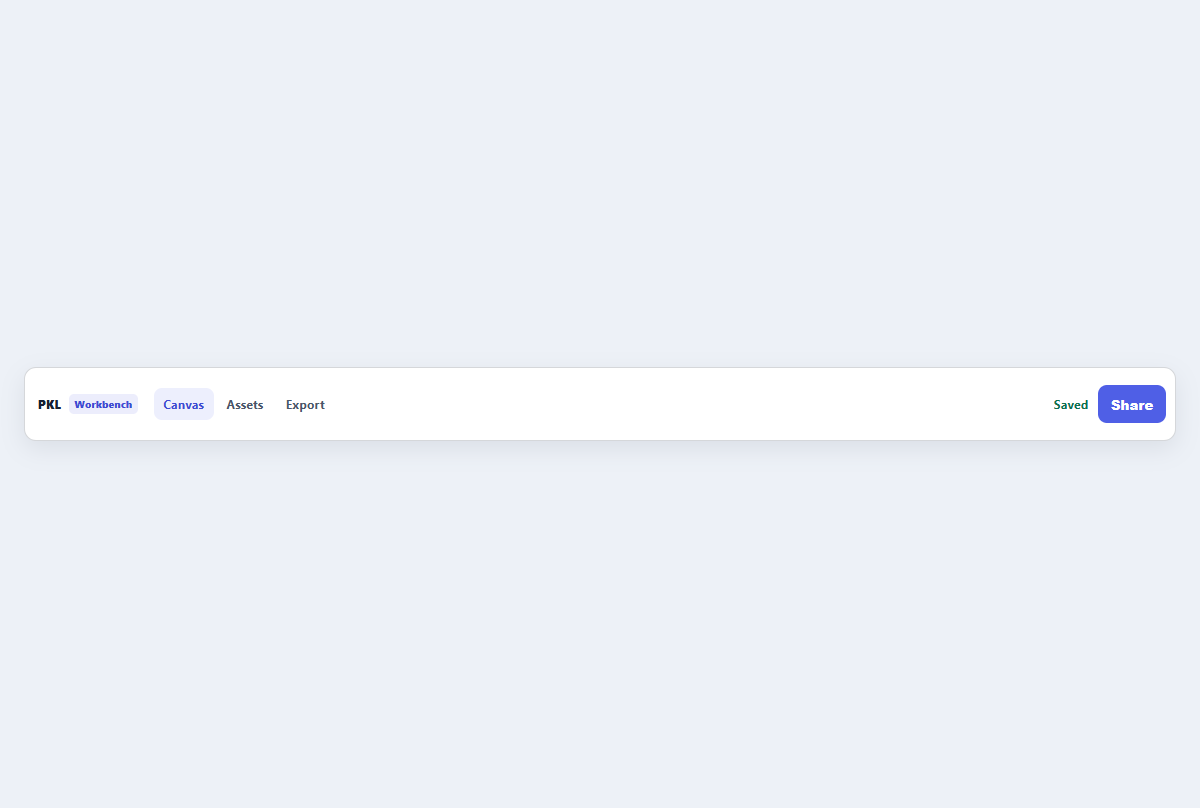
Compact top app bar
A narrow application header with brand, navigation links, status, and one action.
Open component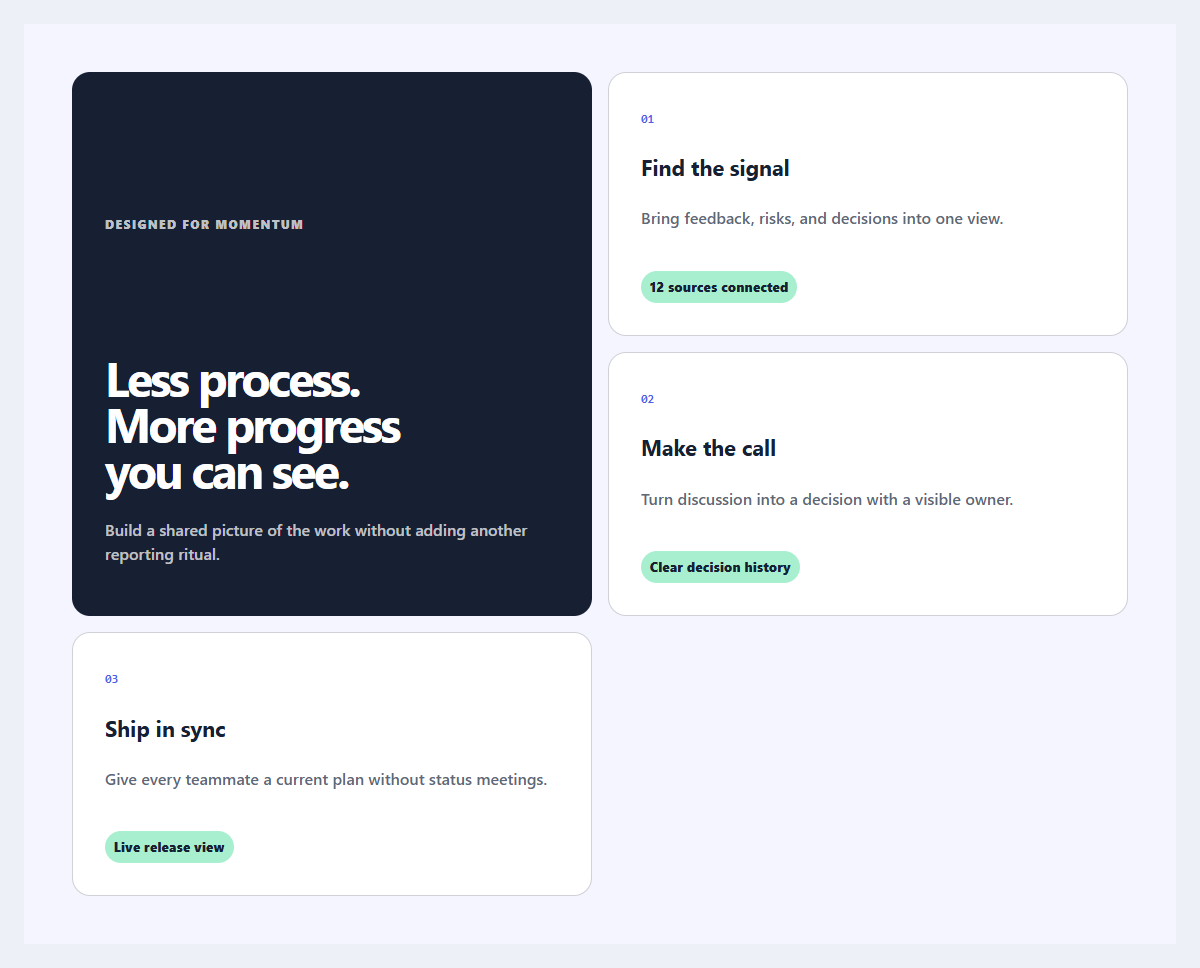
Outcome feature grid
An editorial feature section organized around user outcomes instead of product jargon.
Open component