
Deploy an Astro component library to Cloudflare Workers
Prerender public catalog content, serve static assets efficiently, isolate dynamic routes, configure bindings, and verify deployment output.
What you will build correctly
- Prerender public catalog and editorial routes so discovery never depends on a database.
- Use the Worker only for requests that genuinely need runtime execution.
- Validate the final canonical origin, assets, bindings, links, and dry-run bundle before deployment.
Separate public content from dynamic application state
Component pages, categories, guides, templates, legal pages, sitemap, robots, and RSS can build from version-controlled content. Prerendering gives users and crawlers complete HTML, reduces Worker invocations, and keeps the public catalog available even if a future database is unavailable.
Reserve dynamic execution for health checks, authenticated data, saved projects, event collection, or other workflows that genuinely depend on request-time state. Do not move a stable component index into a runtime database without a measured operational reason.
Let static assets bypass application logic
The Astro Cloudflare adapter produces a Worker entry and a static asset directory. Component previews, downloadable ZIPs, scripts, styles, and prerendered HTML should be served through the asset binding without routing every byte through application code.
Use immutable caching for fingerprinted assets and appropriate revalidation for HTML and feeds. Keep public preview and download paths stable because they are referenced by social metadata, structured data, and external links.
                      {
  "assets": { "directory": "./dist/client", "binding": "ASSETS" }
}
Keep bindings optional for local frontend work
D1, KV, R2, and secrets should enter application code through typed bindings. Local catalog browsing and component editing should not require production credentials. Browser storage can support anonymous drafts and preferences until a reviewed synchronization workflow exists.
Generate binding types, use prepared statements for database queries, and never place secret values in client bundles or configuration committed to source control. A binding declaration is not permission to make public content depend on that service.
- Public catalog routes remain file-based.
- Runtime code accesses services only through bindings.
- Development works without production credentials.
Verify production identity before the first deploy
Set the final HTTPS site origin before building so canonical URLs, sitemap entries, Open Graph images, RSS links, and structured data agree. Review component licensing, contact information, legal routes, resource identifiers, and custom-domain behavior before opening the site to indexing.
Run strict types, unit tests, browser checks, accessibility scans, the production build, a complete internal-link crawl, and a Wrangler dry run. After deployment, inspect a real component route, its preview, a download, the sitemap, and the custom 404 from the public origin.
Use the pattern
Study it in working components.
These internal examples connect the guide to standalone HTML, CSS, and JavaScript you can preview, customize, and download.
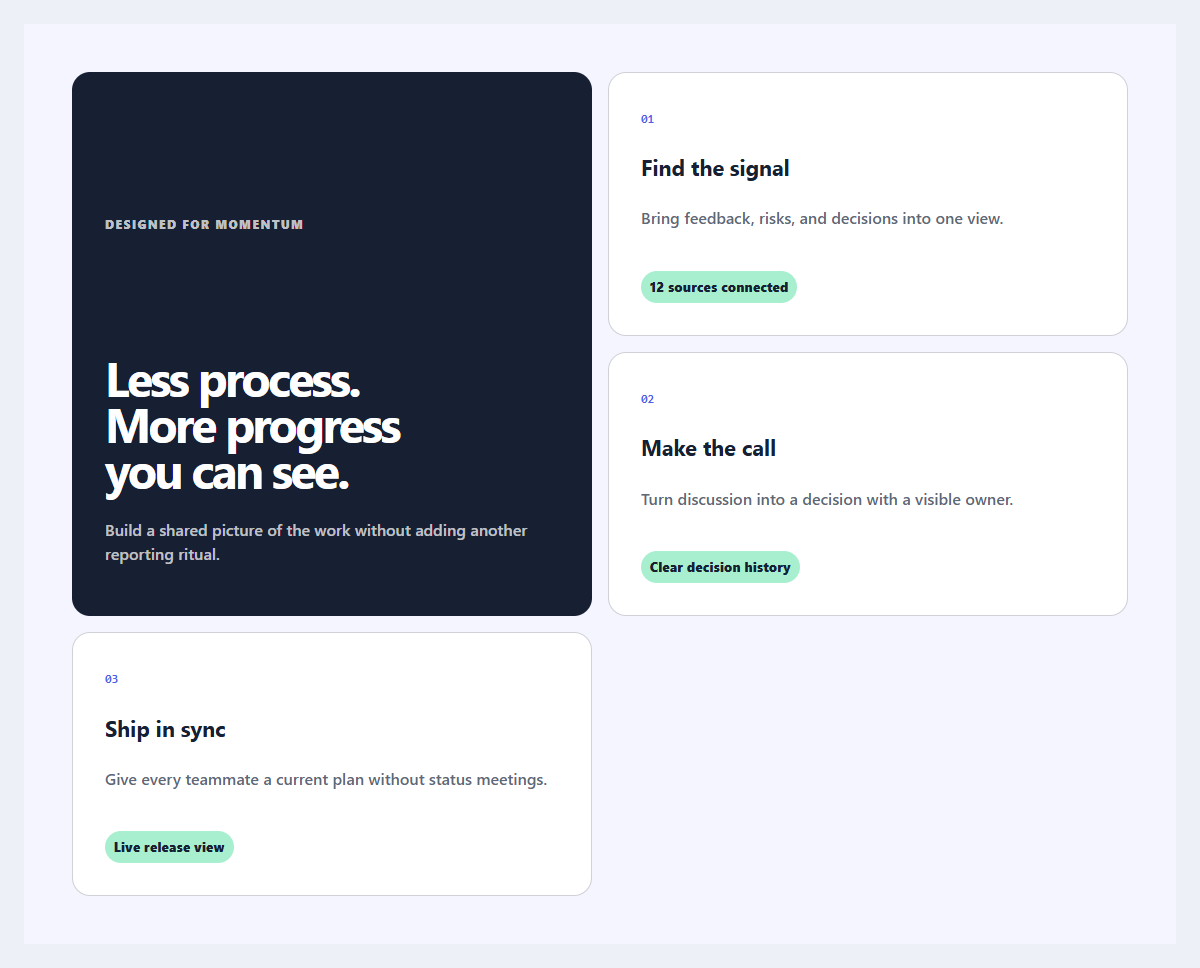
Outcome feature grid
An editorial feature section organized around user outcomes instead of product jargon.
Open component
Primary action button
A focused primary button with an icon slot, compact sizing, and clear interaction states.
Open component
Labeled toggle switch
A compact settings switch with visible labels and announced on or off state.
Open component