
Integrate vanilla JavaScript components without conflicts
Add interactive vanilla JavaScript components to an existing site with scoped initialization, explicit state, cleanup, and safe failure behavior.
What you will build correctly
- Initialize beneath a unique root and return safely when required markup is absent.
- Treat visible state, ARIA state, focus, and status messages as one transaction.
- Design initialization so multiple instances and repeated page visits remain safe.
Start from a useful HTML state
Interactive components should begin as understandable HTML rather than an empty mount point. A disclosure can show its summary, a navigation can expose its destinations, and a form can submit with native controls before enhancement. This baseline protects the task when a script is delayed, blocked, or interrupted by another error.
Choose the initial attributes as carefully as the visible styling. Hidden content, aria-expanded, selected options, and status text must agree before initialization. The controller can then enhance a coherent state instead of repairing contradictory markup during the first frame.
- Keep essential copy and destinations in the server-rendered HTML.
- Make the initial visible state agree with hidden and ARIA attributes.
- Use real controls for actions and links for navigation.
- Document what remains functional when JavaScript is unavailable.
Scope every query and listener
Find the unique component root first and query every child beneath it. This prevents one instance from changing another component with similar data attributes. Guard every expected element before attaching behavior, because templates and content systems may omit optional actions or render a temporary partial state.
Prefer listeners on the component root when many repeated controls share one behavior. Event delegation reduces setup work and supports items added later, but the handler must verify the closest matching control still belongs to the same root. Document-level listeners should be reserved for behavior such as Escape or outside-click handling.
                      document.querySelectorAll('.cmp-disclosure').forEach((root) => {
  if (!(root instanceof HTMLElement) || root.dataset.ready === 'true') return;
  const button = root.querySelector('button[aria-expanded]');
  const panel = root.querySelector('[data-panel]');
  if (!(button instanceof HTMLButtonElement) || !(panel instanceof HTMLElement)) return;

  root.dataset.ready = 'true';
  button.addEventListener('click', () => {
    const open = button.getAttribute('aria-expanded') !== 'true';
    button.setAttribute('aria-expanded', String(open));
    panel.hidden = !open;
  });
});
Update state as one accessible transaction
When an interaction changes, update the visual class, ARIA attribute, hidden state, and human-readable status together. Splitting them across unrelated handlers creates race conditions and makes debugging difficult. A small render function can accept the next state and apply every representation from the same value.
Focus is part of that transaction. Opening a modal moves focus inside; closing it restores focus to the opener. A menu should not move focus merely because the pointer passed over an item. Write the focus rule beside the state transition so later visual changes do not silently remove it.
Prepare for repeated initialization and teardown
Modern sites may replace page fragments, restore content from a cache, or render several copies of a component. Mark an initialized root or return a cleanup function so the same script cannot attach duplicate listeners. Give generated identifiers an instance-specific suffix rather than relying on one hard-coded id across the document.
Test two instances on one page, remove one, and initialize the remaining markup again. Watch the console while using keyboard and pointer input. A production-ready integration should tolerate missing optional elements, avoid global variables, and leave unrelated page controls untouched.
Use the pattern
Study it in working components.
These internal examples connect the guide to standalone HTML, CSS, and JavaScript you can preview, customize, and download.
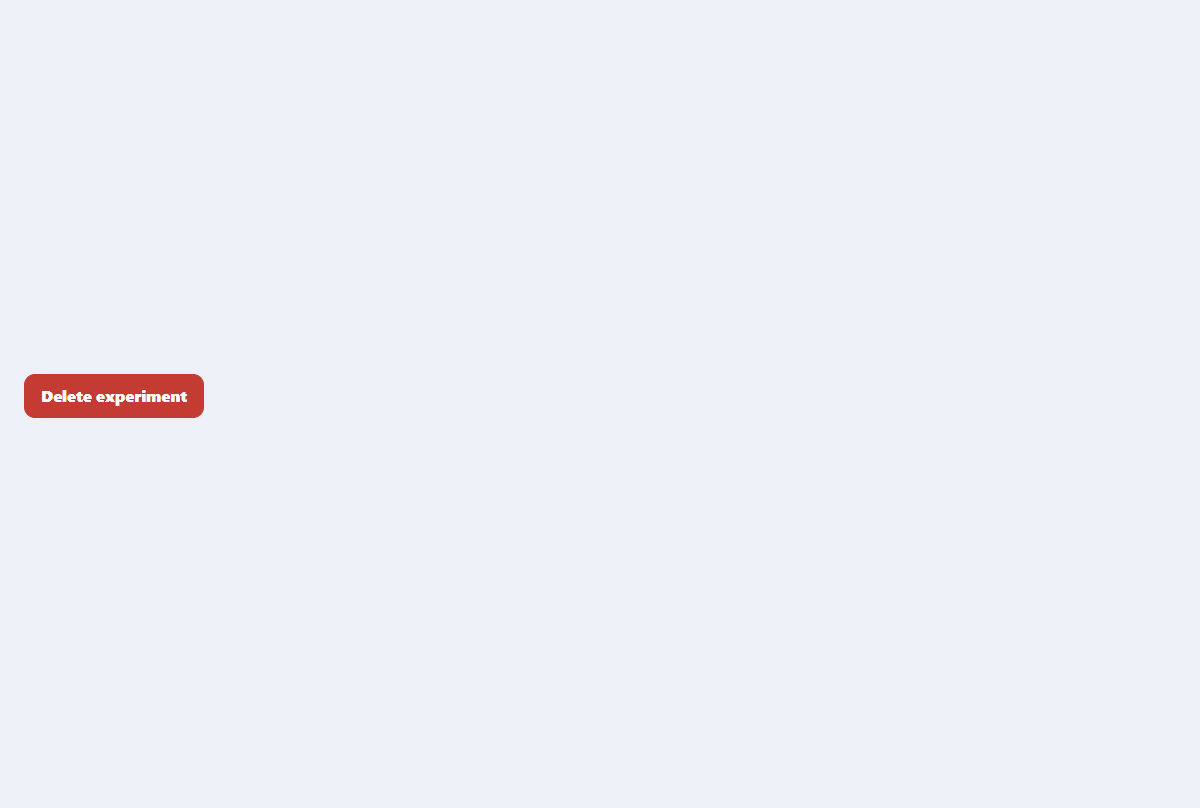
Accessible confirmation modal
A compact destructive-action dialog with focus trapping, restoration, and clear consequences.
Open component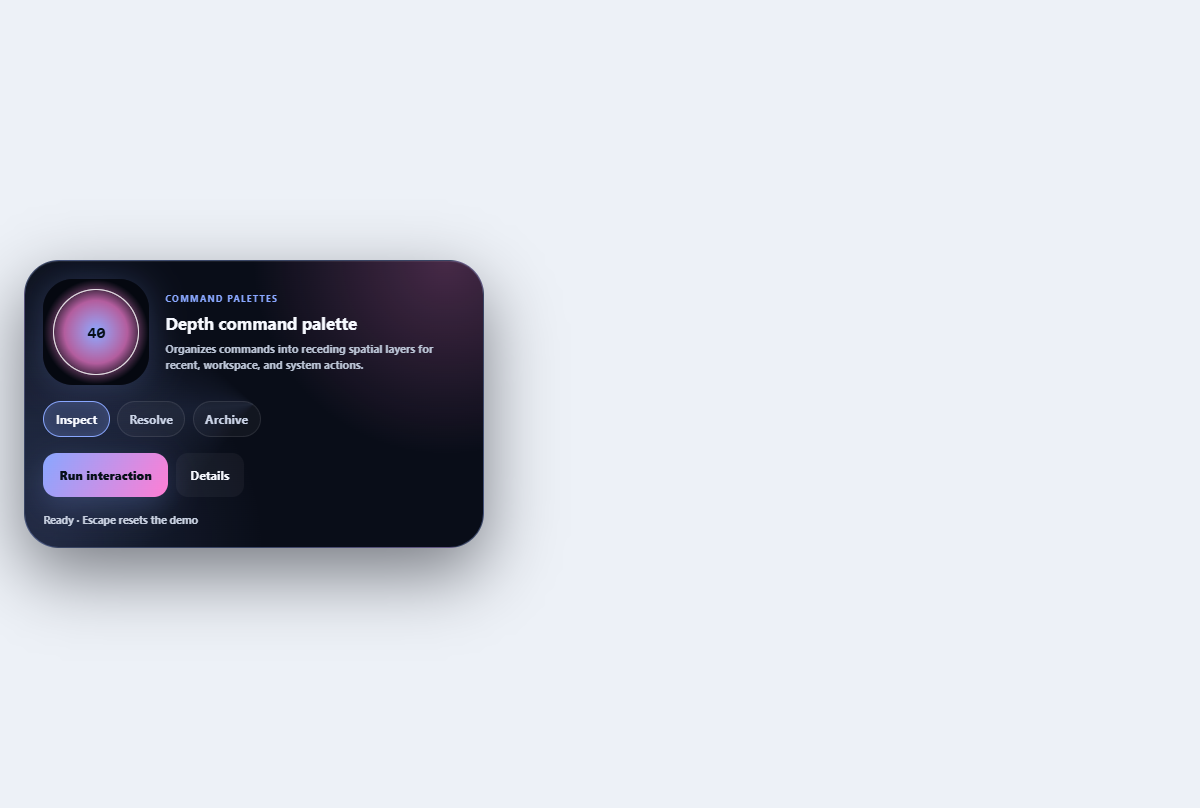
Depth command palette
Organizes commands into receding spatial layers for recent, workspace, and system actions.
Open component
Comet toast stack
A replayable toast stack with comet-tail arrival, named dismiss actions, and pause-aware progress.
Open component